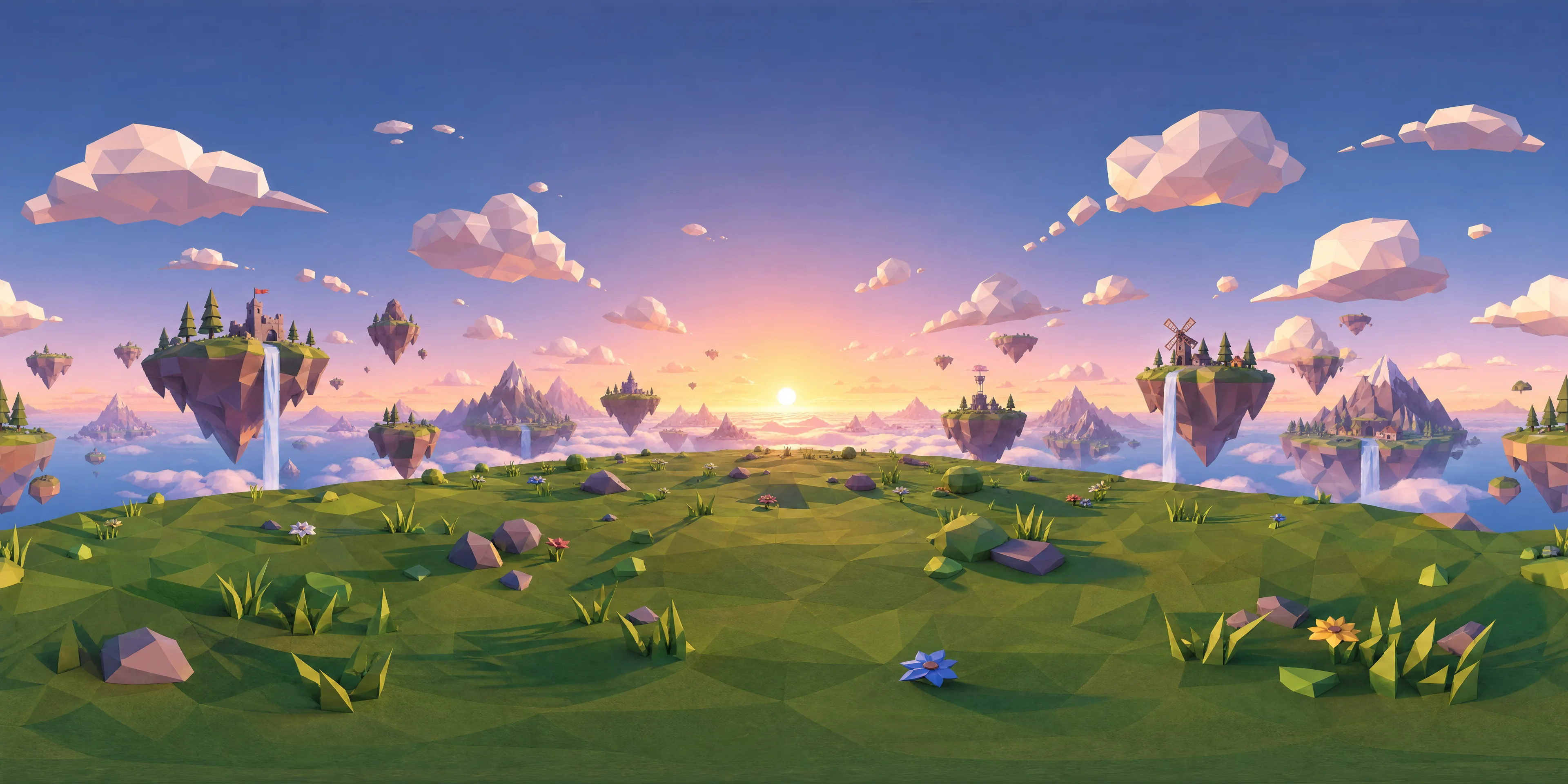
PROMPT
Example 1 of 1Create seamless 360° game skies from a prompt or panorama with our Roblox Skybox Generator—inspect every seam and export six studio-ready sky textures in seconds.
PROMPT
Example 1 of 1Choose a 2:1 JPG, PNG or WebP up to 80 MB. Processing stays on your device and requires no account.
This Roblox skybox generator pairs one 2:1 equirectangular panorama with six edge-matched cubemap faces, keeping the middle horizon clear so players read obby platforms, distant landmarks, and jump paths.
A bright low-poly sky for an obby, with floating grass islands, soft peach clouds, and an open blue horizon.
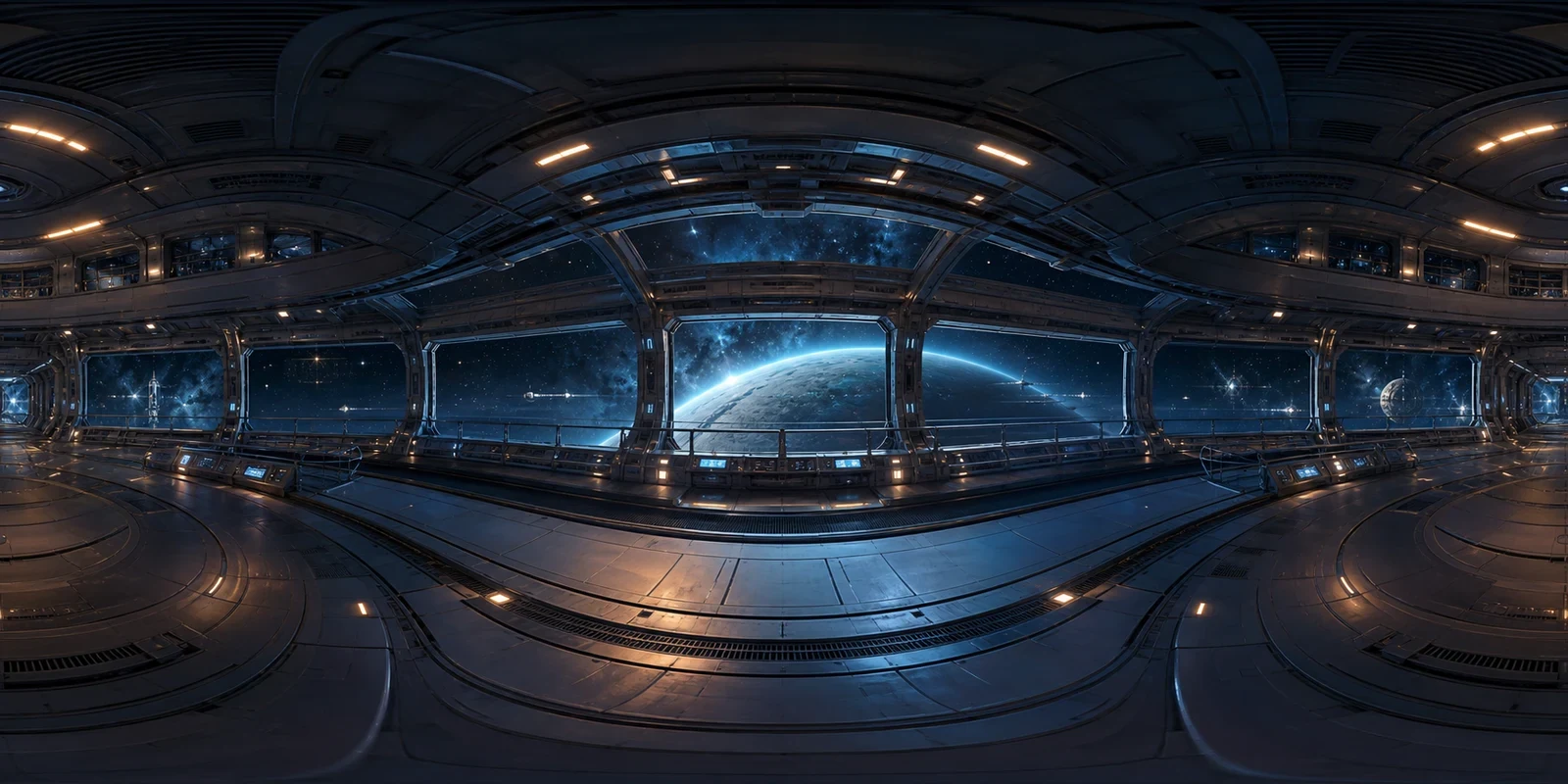
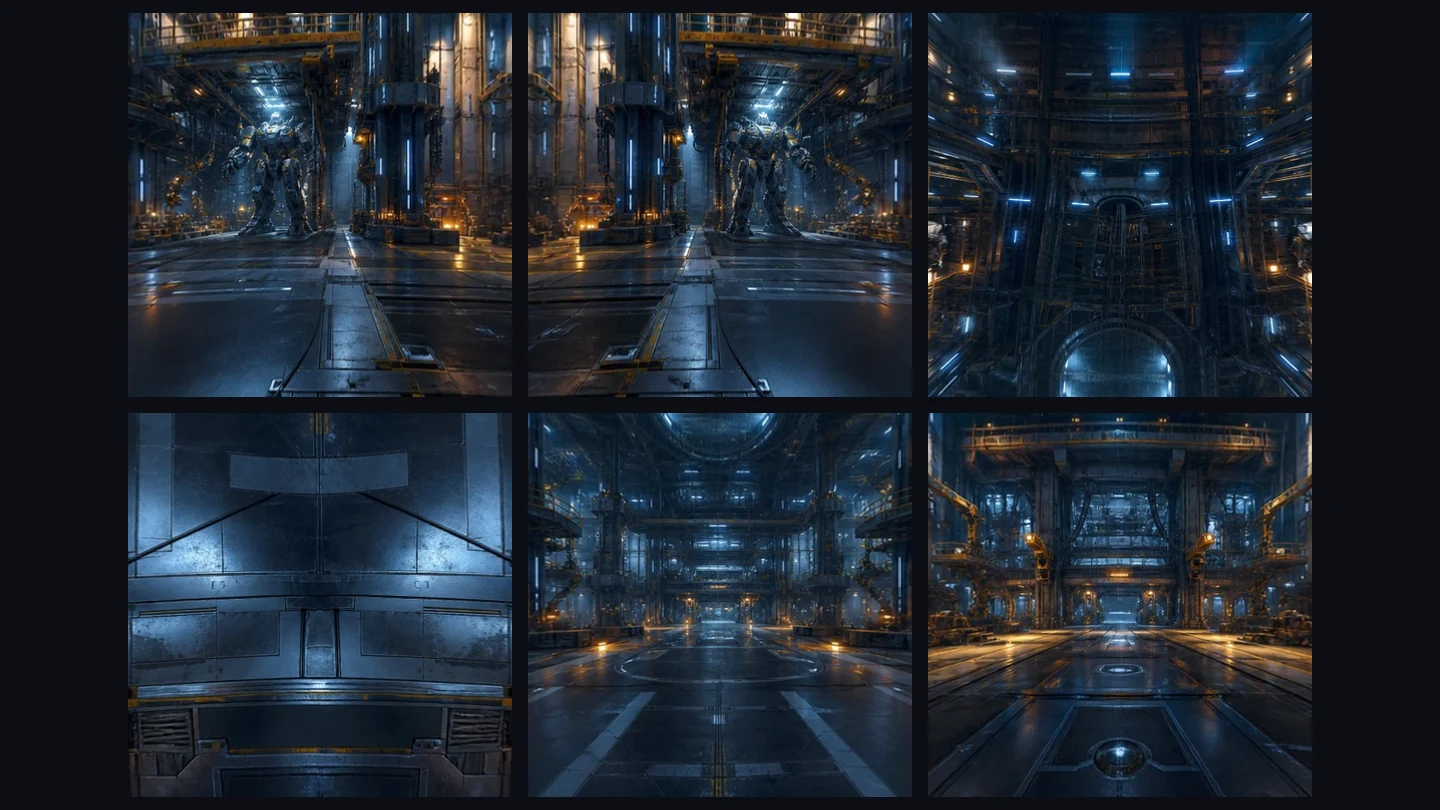
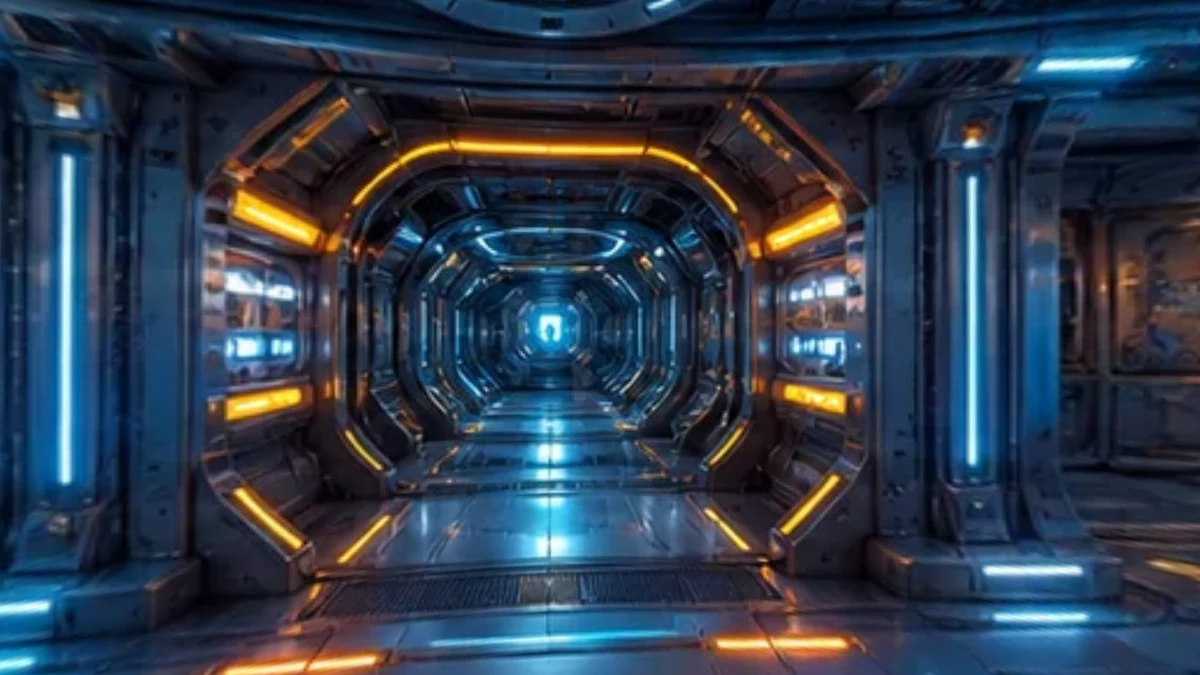
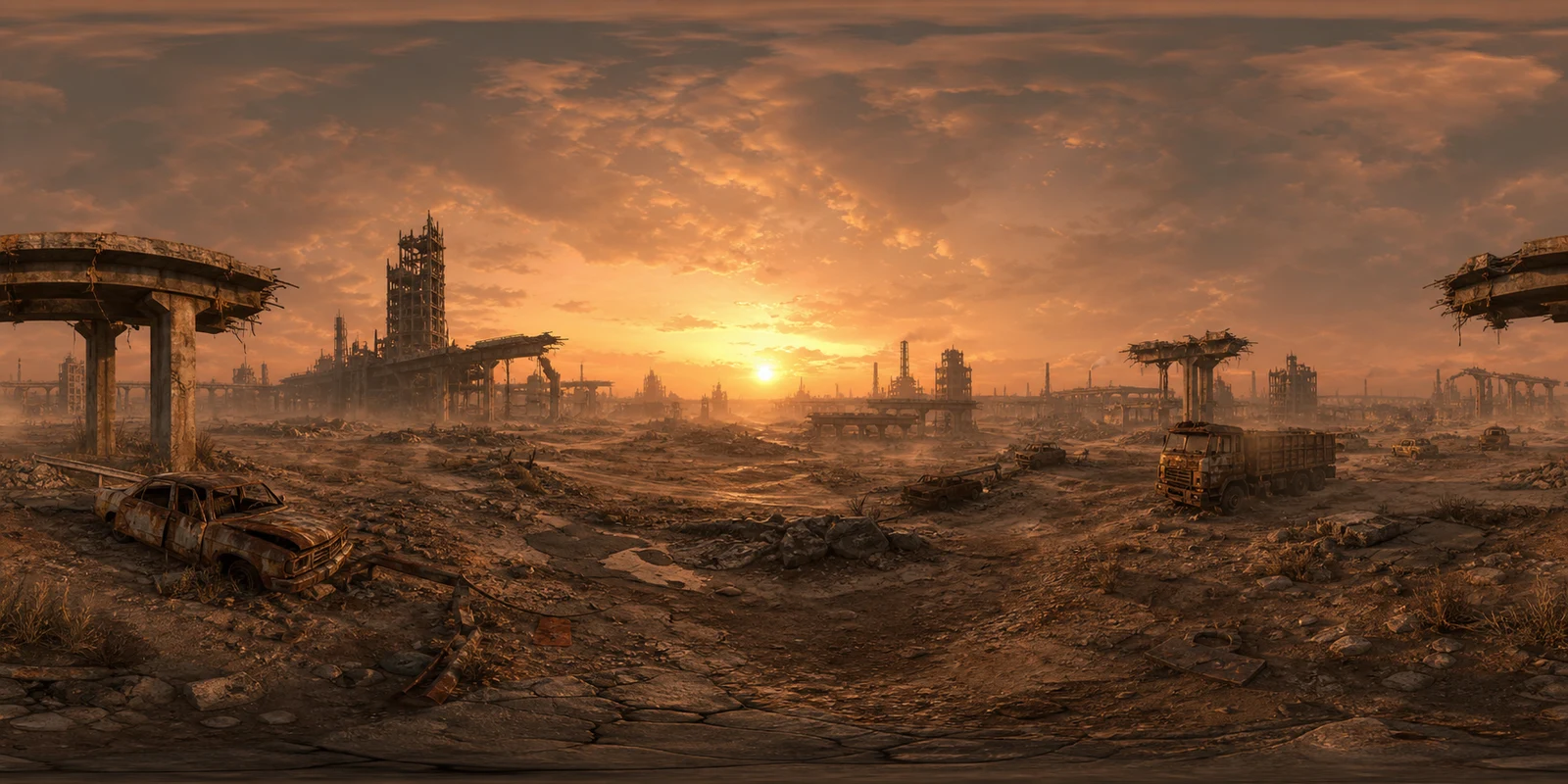
Inspect six genre-tested 360° environments in the interactive viewport to check zenith poles, nadir ground planes, and horizon joins, then send any prompt straight into the Roblox skybox generator above.
 Orbital Space Station
Import your custom sky from the Roblox skybox generator by uploading all six extracted PNGs in Roblox Studio Asset Manager and pasting each rbxassetid:// string into its matching Lighting.Sky property.
Save or publish your place in Roblox Studio, open View → Asset Manager → Images, and upload the six extracted PNG files from roblox-skybox.zip.
Expand Lighting in the Explorer panel. Select your existing Sky instance, or click the plus button next to Lighting to insert a new Sky object.
Copy each uploaded rbxassetid:// value into its matching SkyboxFt through SkyboxDn property below, then run Playtest to verify horizon direction.
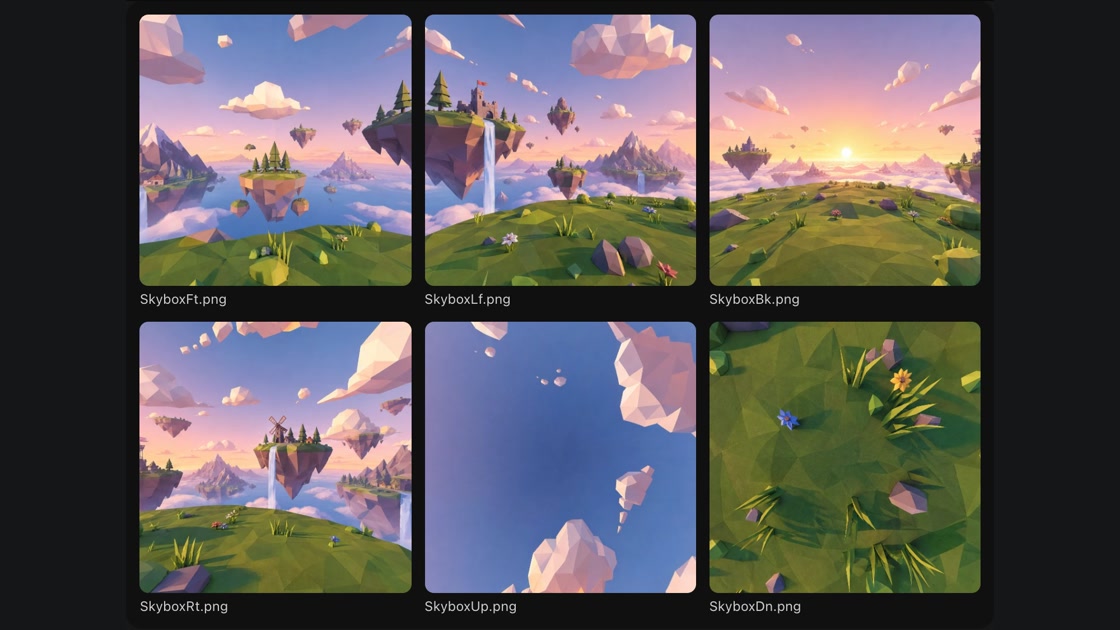
Every square PNG exported by the Roblox skybox generator matches its exact destination property on Roblox Studio's Lighting.Sky object.
| Downloaded PNG | Sky Property | Orientation & Seam Check |
|---|---|---|
 SkyboxFt.pngFront (-Z)Opening spawn horizon; adjust horizontal yaw before export so your primary landmark centers on SkyboxFt. | SkyboxFt | Opening spawn horizon; adjust horizontal yaw before export so your primary landmark centers on SkyboxFt. |
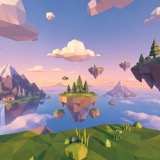 SkyboxBk.pngBack (+Z)Rear horizon behind the starting camera; confirm cloud bands and ridges continue cleanly across the wrap join. | SkyboxBk | Rear horizon behind the starting camera; confirm cloud bands and ridges continue cleanly across the wrap join. |
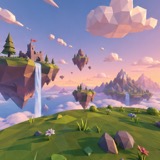 SkyboxLf.pngLeft (-X)Left cube face; keep paired with SkyboxRt from the same ZIP so lateral seams never flip. | SkyboxLf | Left cube face; keep paired with SkyboxRt from the same ZIP so lateral seams never flip. |
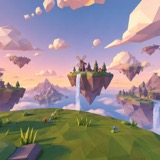 SkyboxRt.pngRight (+X)Right cube face; check directional sun highlights and shadow contrast against side jump routes and arena walls. | SkyboxRt | Right cube face; check directional sun highlights and shadow contrast against side jump routes and arena walls. |
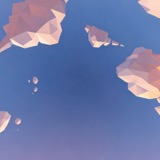 SkyboxUp.pngUp (+Y · Zenith)Overhead zenith cap; inspect vertical towers and climbs for smooth cloud convergence without pole pinching. | SkyboxUp | Overhead zenith cap; inspect vertical towers and climbs for smooth cloud convergence without pole pinching. |
 SkyboxDn.pngDown (-Y · Nadir)Lower nadir face visible beneath floating obby stages or glass floors where no baseplate blocks the view. | SkyboxDn | Lower nadir face visible beneath floating obby stages or glass floors where no baseplate blocks the view. |
Studio lighting note: Pair Sky textures with Lighting.ClockTime, GeographicLatitude, OutdoorAmbient, and Atmosphere so scene shadows match your skybox sun.
Official Roblox Skybox DocumentationWrite a scene prompt with up to three 10 MB reference images in the Roblox skybox generator, or open Convert a panorama to load a local 2:1 file.
Orbit the 360° preview across zenith and nadir poles, blend wrap joins, and rotate horizontal yaw (-180° to +180°) until your main landmark faces SkyboxFt.
Select 512 × 512 or 1024 × 1024 pixels per face and download roblox-skybox.zip containing six 8-bit square PNGs named for Lighting.Sky properties.
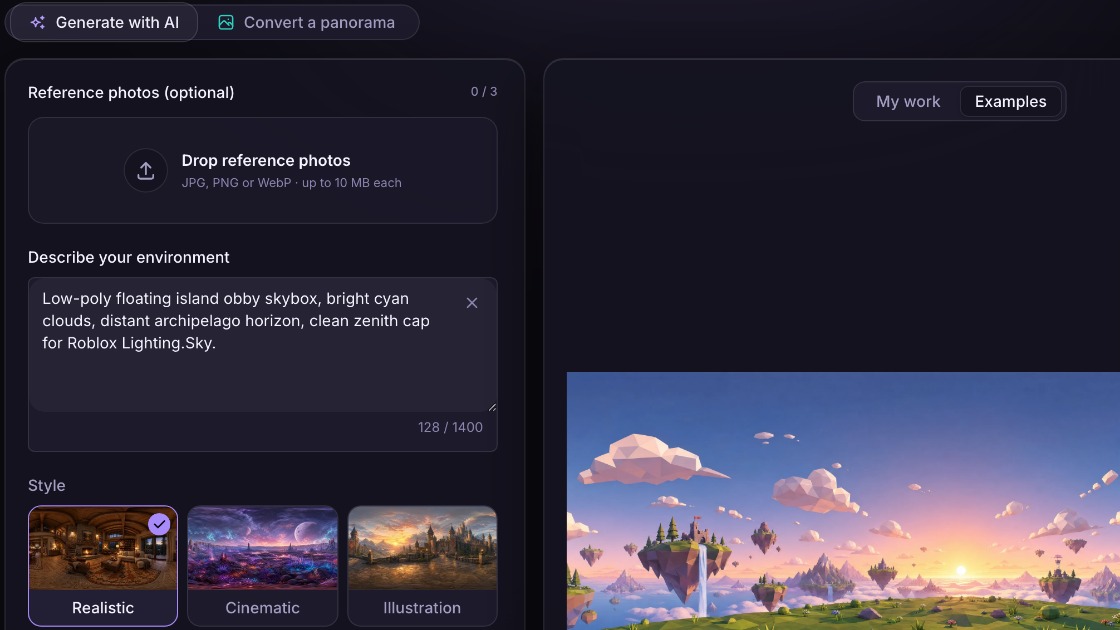
Upload up to three JPG, PNG, or WebP reference images (10 MB max each) inside the Roblox skybox generator alongside your prompt to lock color mood while leaving clean contrast behind obby platforms, signs, and arenas.
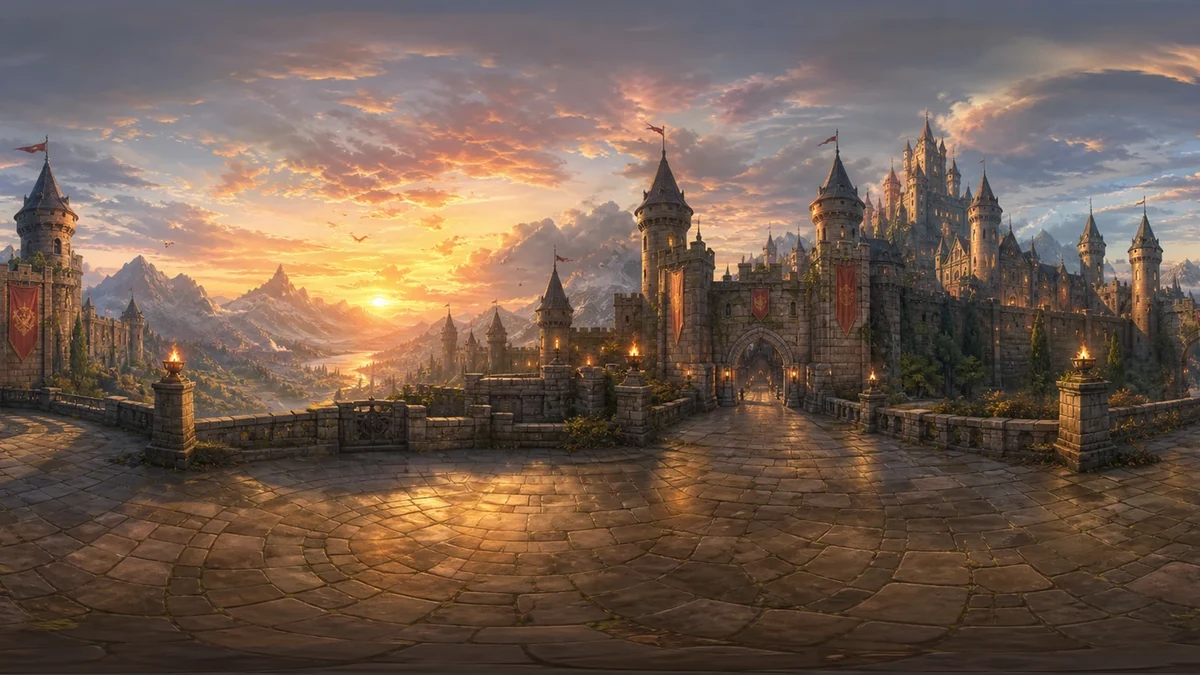
Each Roblox skybox generator export delivers six 8-bit square PNG sky textures (SkyboxFt–SkyboxDn) after 360° seam and yaw inspection—not 3D collision meshes, playable terrain, or 32-bit HDR radiance.
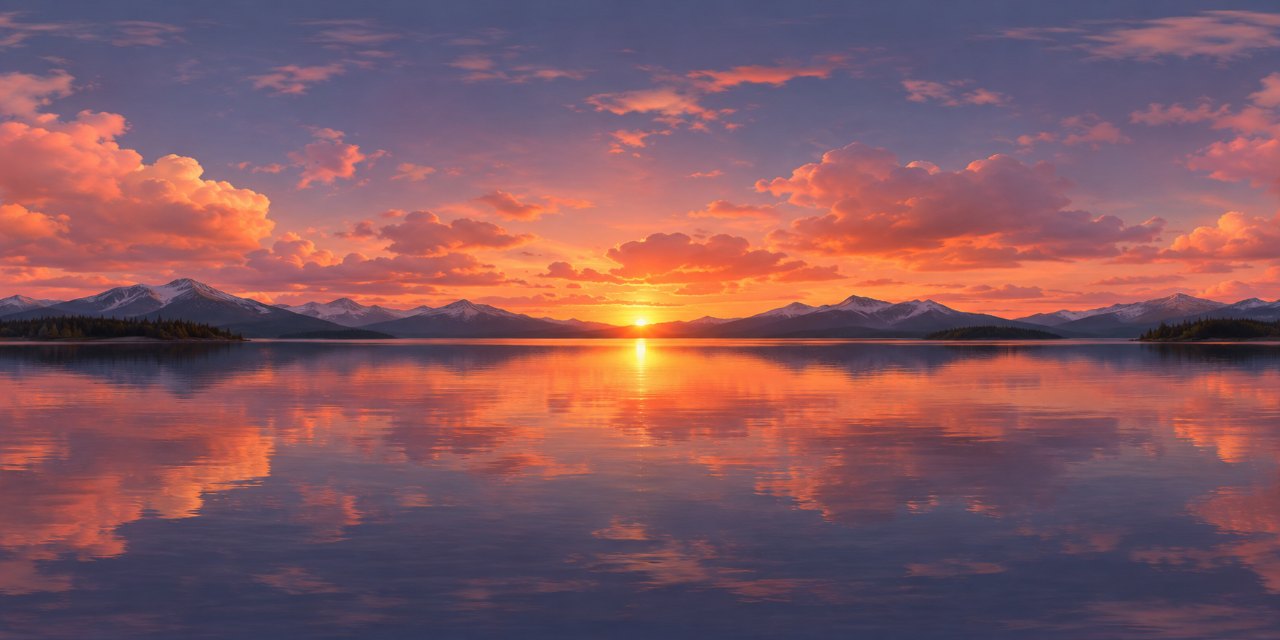
Already have a 2:1 JPG, PNG, or WebP up to 80 MB? Slice all six Studio-named PNGs locally for free in the Roblox skybox generator, or open the Cubemap Generator for three.js, Unity, and OpenGL naming.
Each download packages six square 8-bit PNG files—SkyboxFt.png, SkyboxBk.png, SkyboxLf.png, SkyboxRt.png, SkyboxUp.png, and SkyboxDn.png—inside roblox-skybox.zip. Upload all six textures from the same Roblox skybox generator export together so horizon height matches.
Save or publish your place in Roblox Studio, bulk-upload all six extracted PNGs under View → Asset Manager → Images, insert or select Lighting.Sky in Explorer, and paste each rbxassetid:// into its matching SkyboxFt–SkyboxDn property.
You receive 2D cubemap background PNGs (512 × 512 or 1024 × 1024 px per face) for Roblox Studio's Lighting.Sky object—not 3D collision meshes, playable terrain, .rbxm plugins, or 32-bit HDR lighting.
Yes—open the Convert a panorama tab in the Roblox skybox generator to slice any 2:1 JPG, PNG, or WebP up to 80 MB locally in your browser for free with no account required.
Choose 512 × 512 px in the Roblox skybox generator for lightweight mobile obbies or stylized skies, and select 1024 × 1024 px—Roblox Studio’s per-face rendering cap—for crisp mountain ridges and starfields.
Seams or flipped horizons happen when SkyboxLf and SkyboxRt are swapped or when an unblended 2:1 edge crosses cube faces. Enable seam blending in 360°, check yaw, and match every filename to its Sky property.
Credits and sign-in apply only when generating new AI 360° panoramas (up to three 10 MB reference images supported), with credit cost shown upfront. Browsing 360° examples and converting local 2:1 panoramas use zero credits.

Create a 360° game sky from a prompt or slice an existing 2:1 panorama in the Roblox skybox generator, inspect every seam, and download roblox-skybox.zip.
Start Generating