AI Skybox Generator

Create a 360° environment from a prompt and optional reference photos. Preview every direction, adjust the view, and export a panorama or six cubemap faces.

Loading tool…

From a scene idea to a surrounding environment

See how the Skybox Generator turns a scene description into a full panorama. Compare the prompt and result, then explore the image in the spherical preview.

Scene description
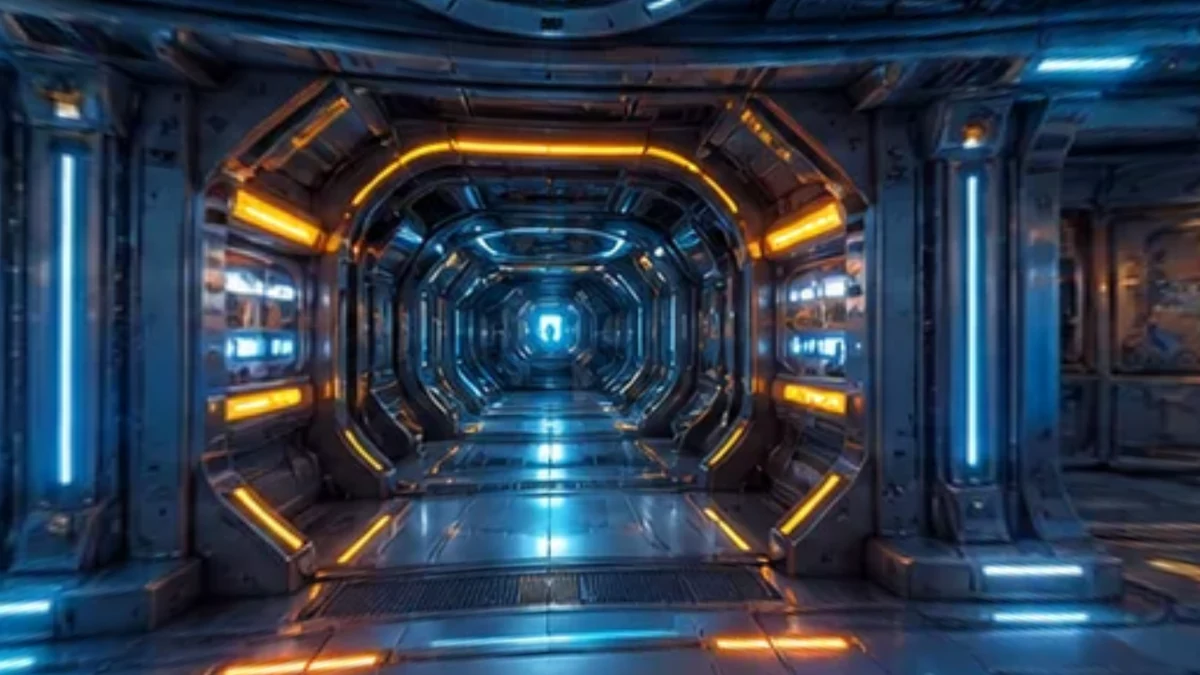
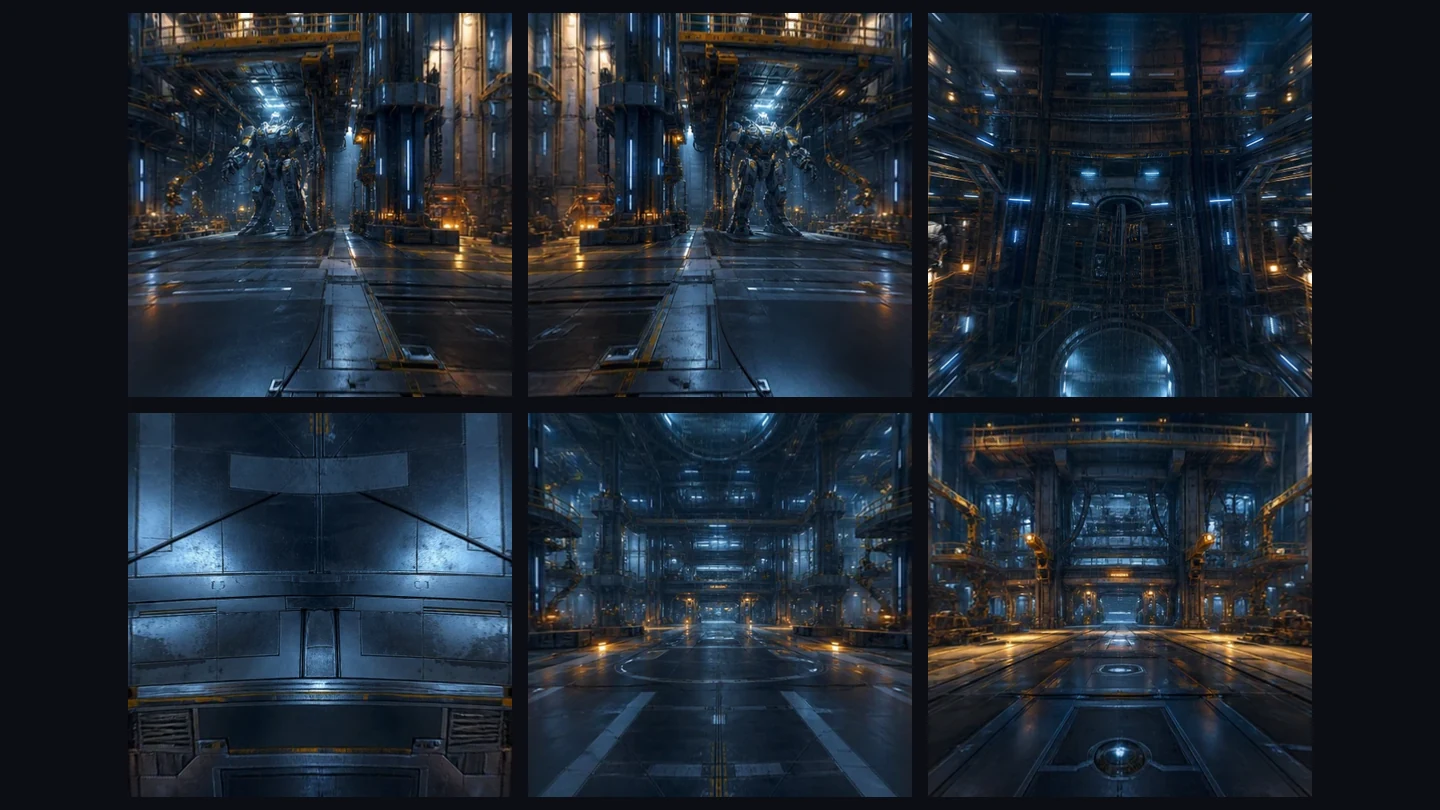
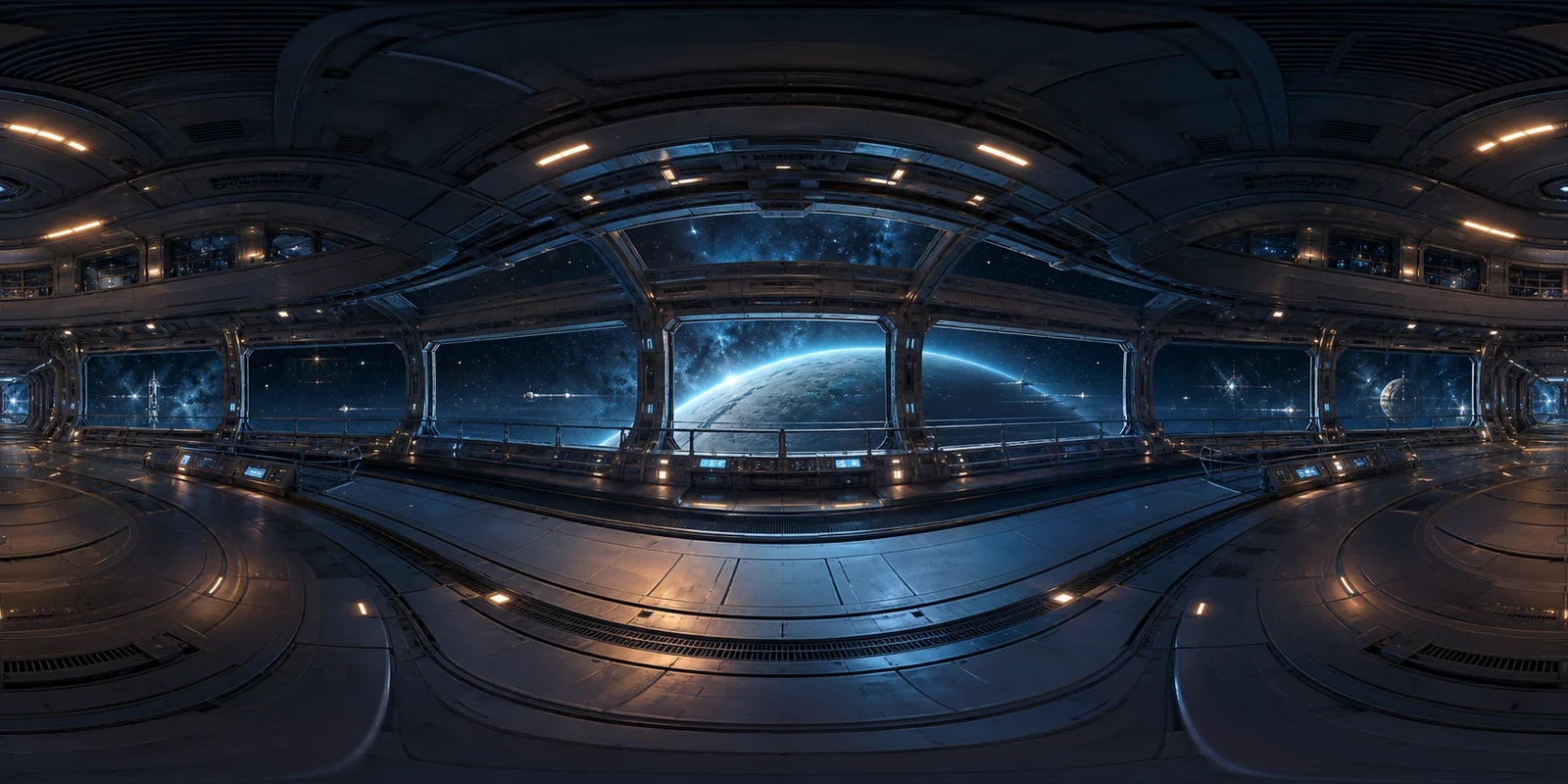
futuristic orbital space station interior, panoramic windows, planet outside, polished metal walls, cinematic game lighting
Equirectangular panorama
A panoramic orbital station interior with curved windows and a planet outside

How to use the Skybox Generator

Use Skybox Generator

Describe the environment

Describe the location, horizon, lighting, and mood. Add up to three reference photos to guide the colors and visual style.

Generate and inspect

Choose a style and resolution, then generate. Rotate the preview to check the horizon, overhead details, and area behind you.

Adjust and export

Adjust the opening direction, exposure, and seam blending. Download an edited PNG or cubemap ZIP, or save your project to revisit its settings.

Build a skybox around your scene

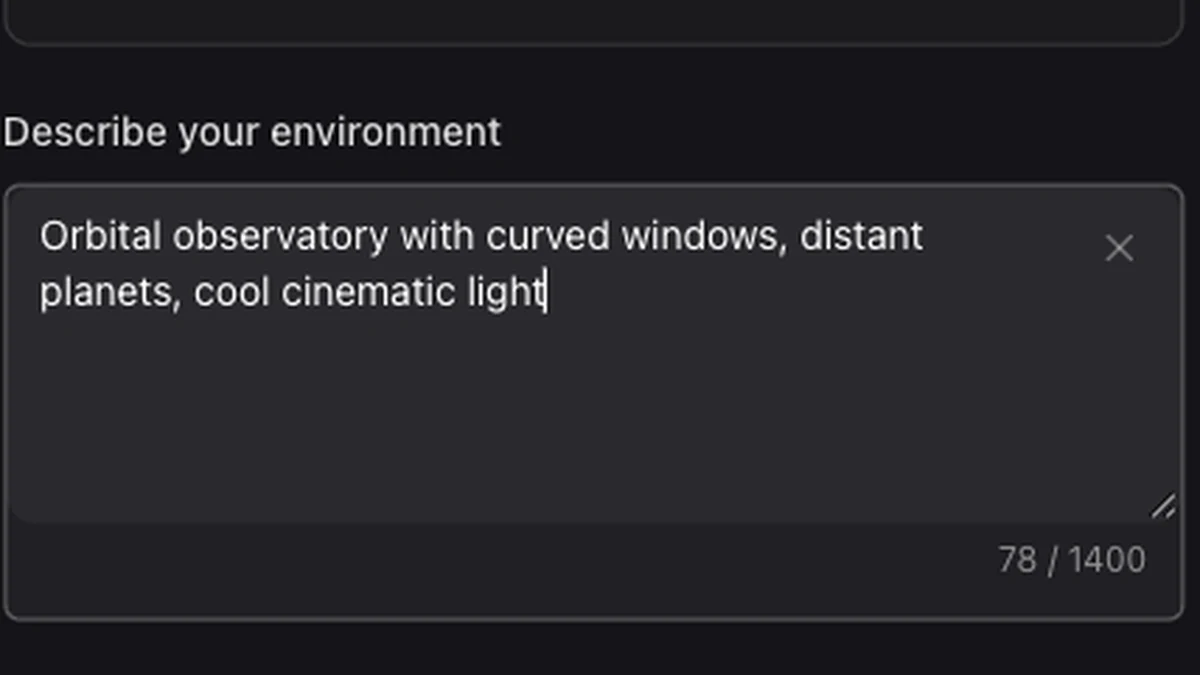
A scene description entered in the skybox prompt field

Describe a place beyond the camera

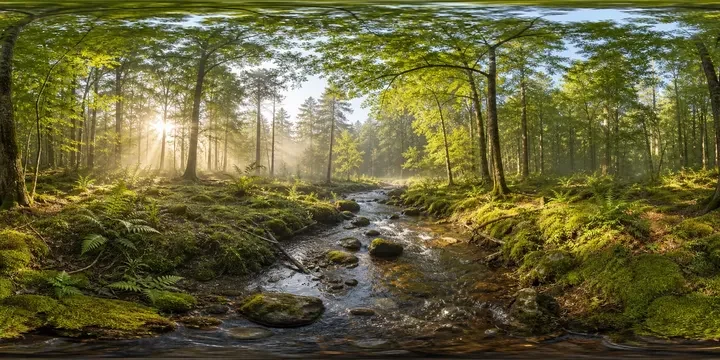
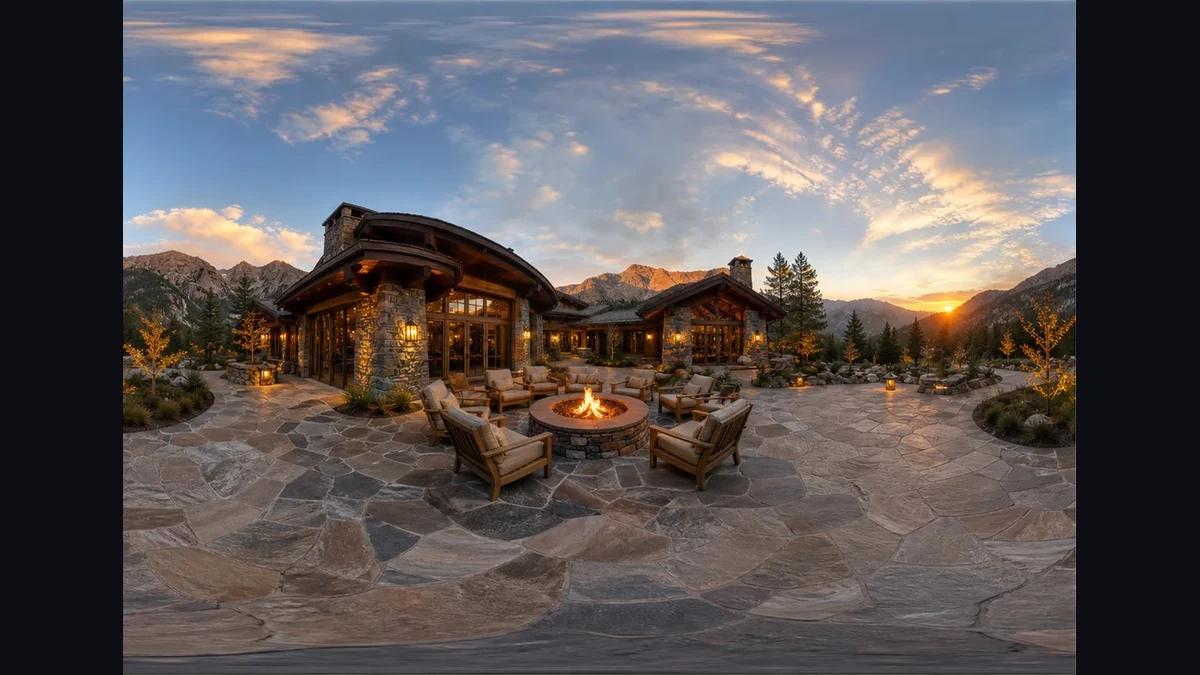
Build a scene around the viewer: a mountain valley, orbital station, or fantasy landscape. An AI skybox generator gives your environment a visual starting point without requiring an existing panorama.

Use Skybox Generator
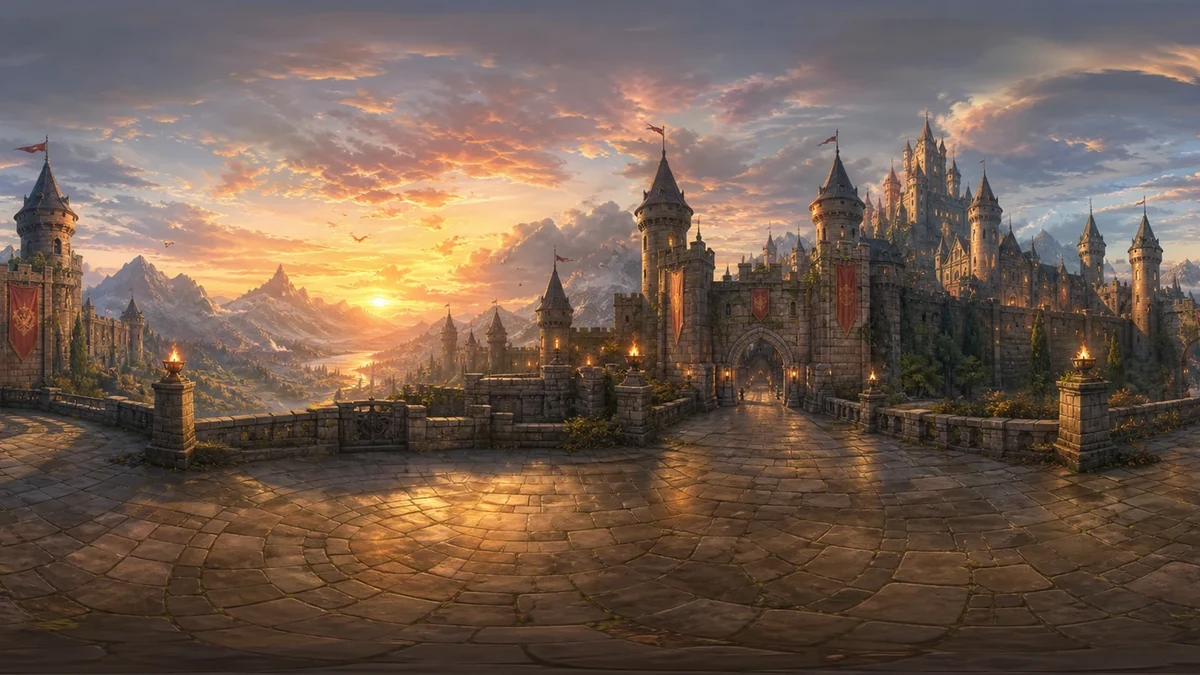
A fantasy castle environment under a warm sunset sky

Inspect the wrap before export

Switch between the sphere and flat image to inspect the horizon, poles, and edge join. Apply seam blending when the source boundary needs softening, then check the full rotation again.

Use Skybox Generator
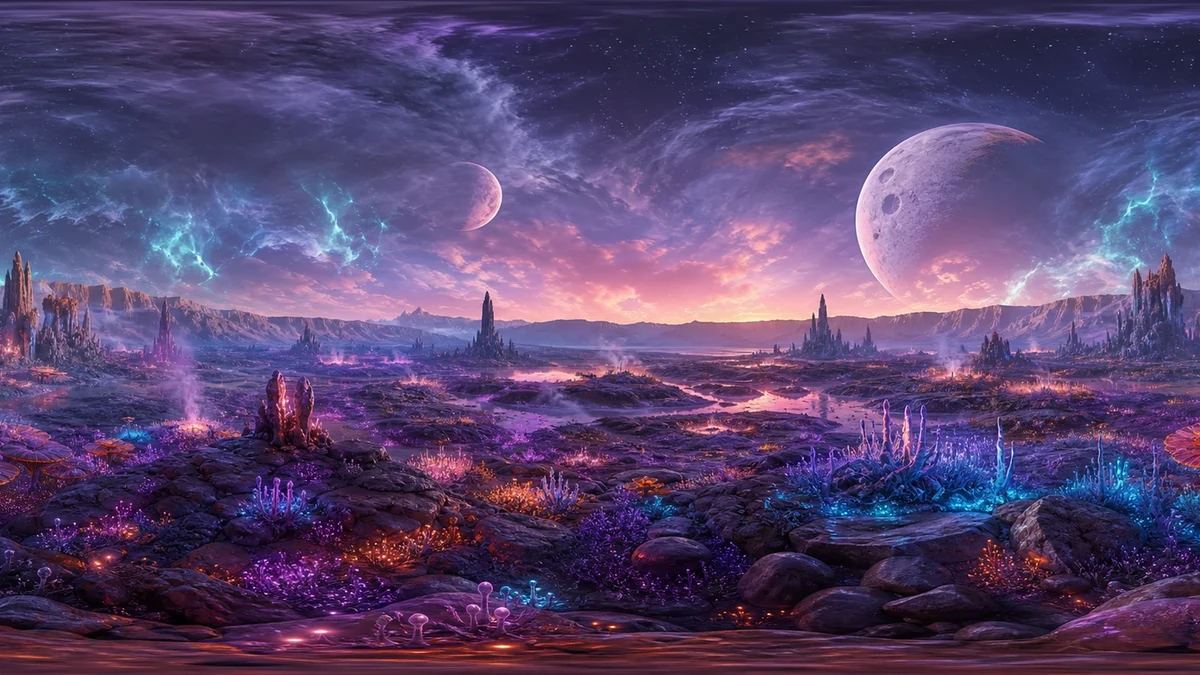
An imagined alien landscape with luminous plants and distant planets

Prepare the file your scene needs

Export a panorama PNG or six square faces for your environment workflow. For more face sizes and naming options, open the Cubemap Converter with your downloaded panorama.

Use Skybox Generator
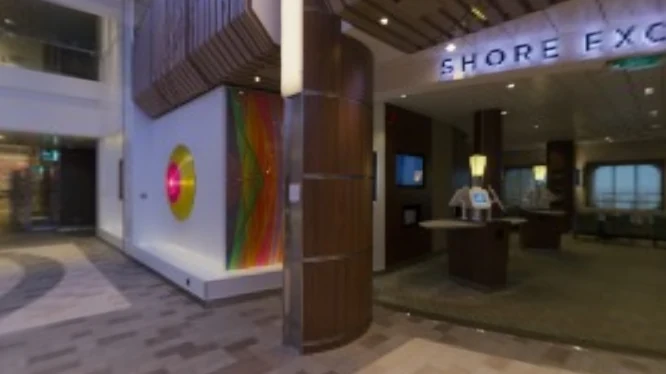
Make environment decisions before integration

Use the Skybox Generator to create, inspect, and prepare an environment in one workspace, so you can judge the scene before importing it into your project.

Start with a visual direction

Use up to three references to suggest a palette, materials, or atmosphere while your prompt describes the surrounding scene.

Keep the opening view intentional

Set yaw to choose the first view and adjust exposure to suit the look you want for your scene.

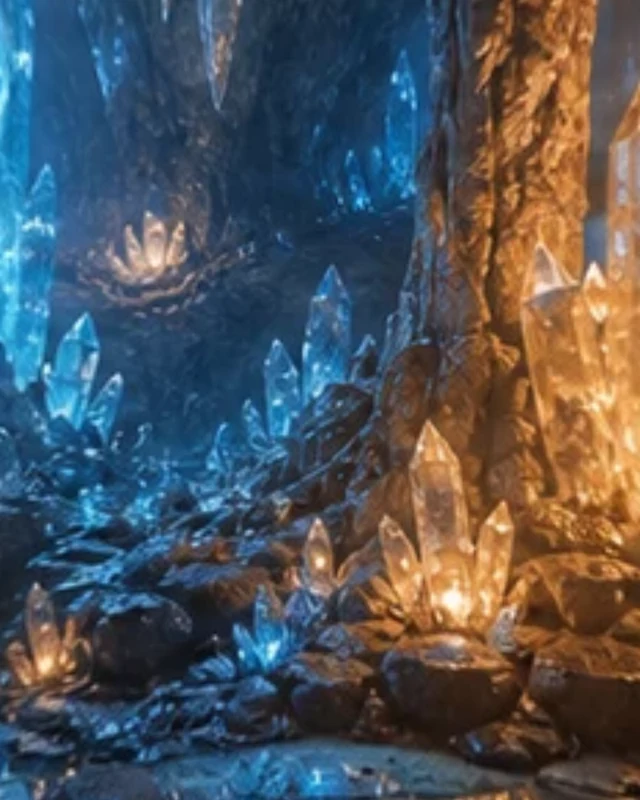
An immersive view inside a blue crystal cavern

Compare without losing context

Use the flat preview to locate details, then inspect them on the sphere to judge how they appear around the viewer.

Revisit generated edits

Save completed projects under your account. Restore the source and editing settings while the generated result remains available.

Skybox Generator FAQ

Skybox Generator

Try the Skybox Generator

Describe your scene, explore the result in 360°, and export the format your project needs.

Use Skybox Generator