Image to 360 View AI

Use Image to 360 View AI to turn one to three reference photos into an imagined scene. Describe the surroundings, generate a panorama, and explore the result before adjusting and downloading it.

Loading tool…

From one camera angle to an imagined surrounding scene

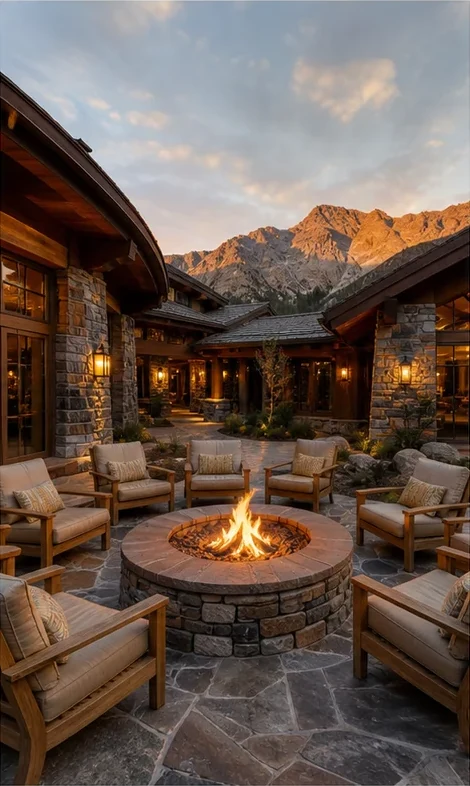
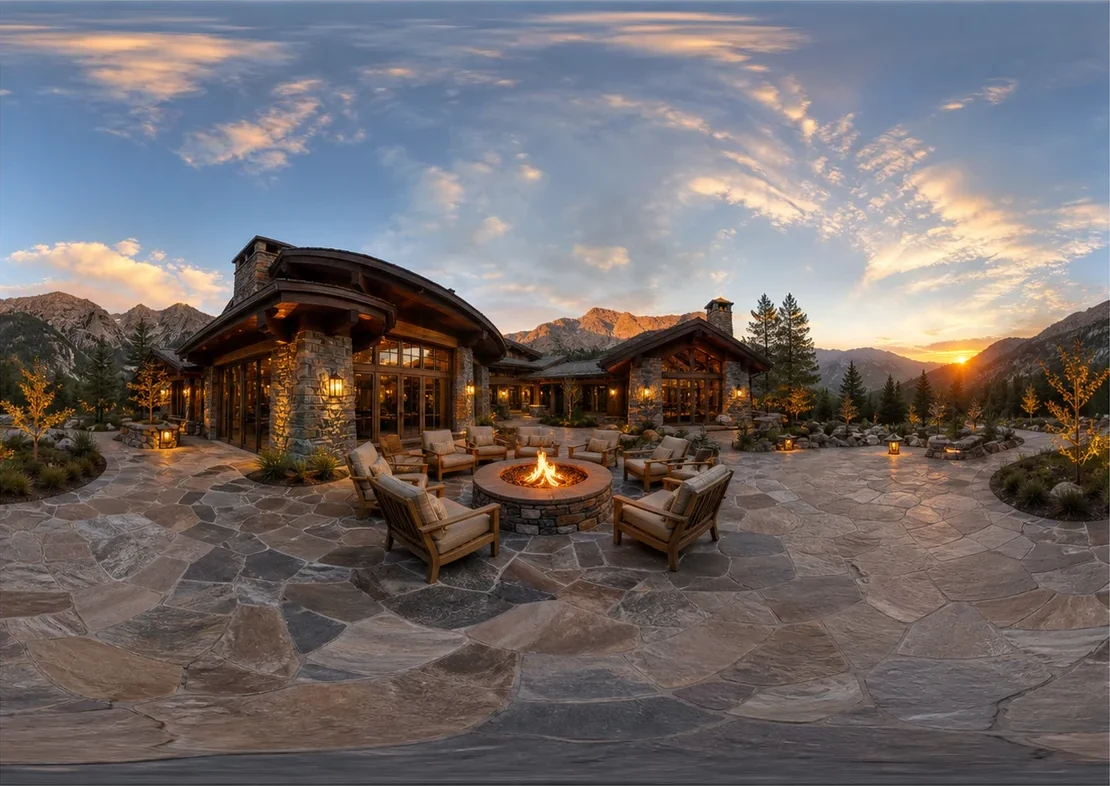
Image to 360 View AI uses a reference photo to guide a surrounding panorama. Compare the original frame with the generated scene, then inspect every direction in the sphere.

Reference photograph
The original photograph of a lodge courtyard and fire pit
Generated surrounding view
The expanded lodge courtyard panorama with the surrounding mountain horizon

How Image to 360 View AI works

Use Image to 360 View AI

Add your references

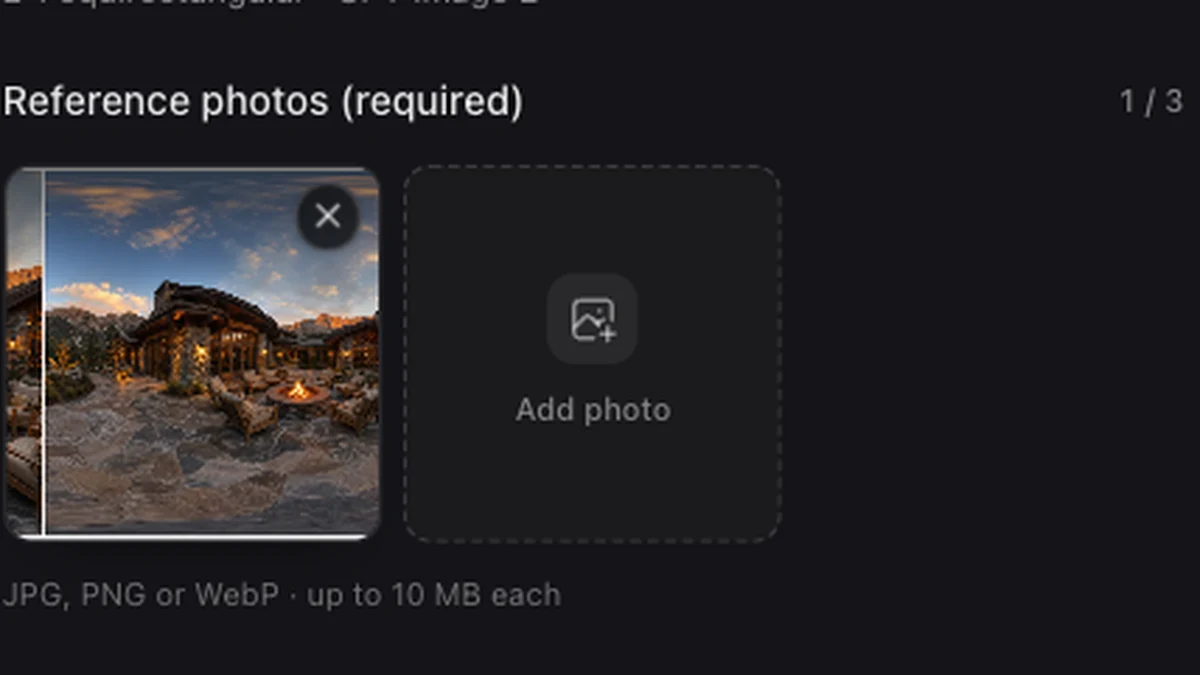
Upload one to three JPG, PNG, or WebP photos. Choose references with a consistent scene or style, then describe the surroundings you want.

Generate a surrounding scene

Choose a style and resolution, then generate. Rotate the sphere to inspect the new surroundings, horizon, and details outside the original frame.

Review and export

Adjust the opening direction, exposure, and seam blending. Download the panorama or save the completed project to revisit its references and editing settings.

Give the missing surroundings a clear brief

A reference photograph loaded in the photo workspace

Use photos to establish visual context

Give Image to 360 View AI a visual starting point with your photos. Use the prompt to describe the surrounding space and identify which colors, materials, or details should guide the result.

Use Image to 360 View AI
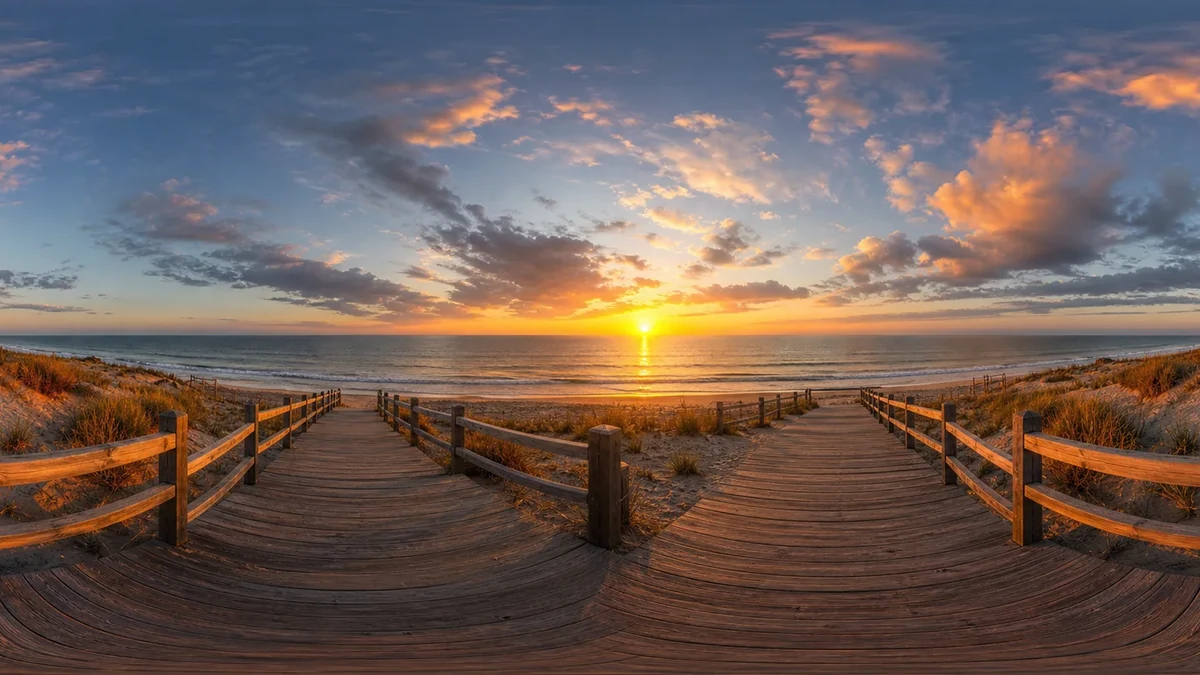
A beach boardwalk panorama at sunset

Inspect what the model has imagined

Inspect the surroundings beyond your original frame. Rotate through the sphere to check repeated objects, horizon transitions, and whether the new areas fit your intended scene.

Use Image to 360 View AI
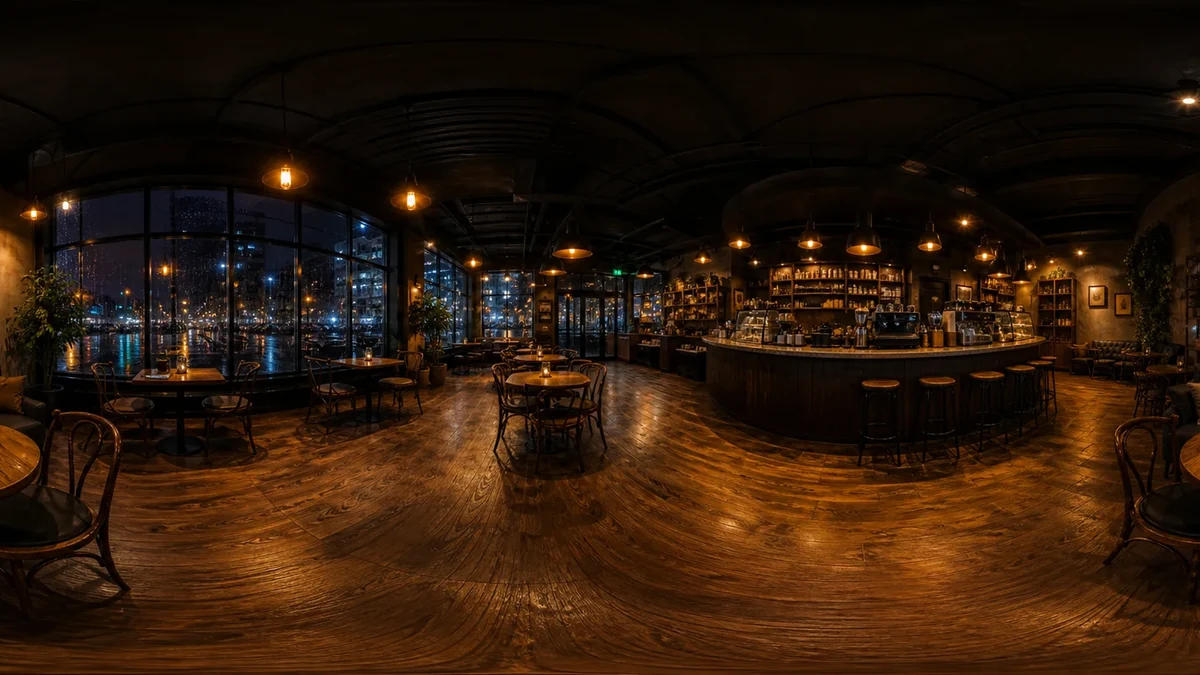
A night cafe panorama with warm lights and a surrounding interior

Choose the opening view after generation

Set the opening direction, exposure, and seam blending after generation. Save the finished project to return to those edits, or open the downloaded PNG in the 360 Viewer.

Use Image to 360 View AI

Extend a photo into a scene

Image to 360 View AI turns your photos into a starting point for a new environment. Review every angle and prepare the panorama for your next creative project.

Guide style with actual references

Use up to three photos to guide palette, materials, and atmosphere. Choose consistent references to establish a clear visual direction.

Explain the unseen space

Describe the space beyond the frame: nearby surfaces, distant scenery, sky, or the rest of an imagined interior.

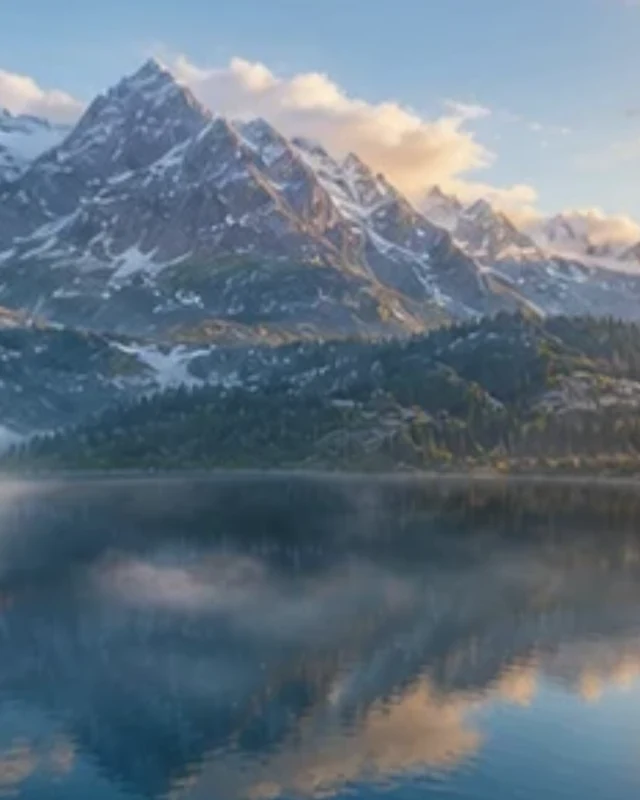
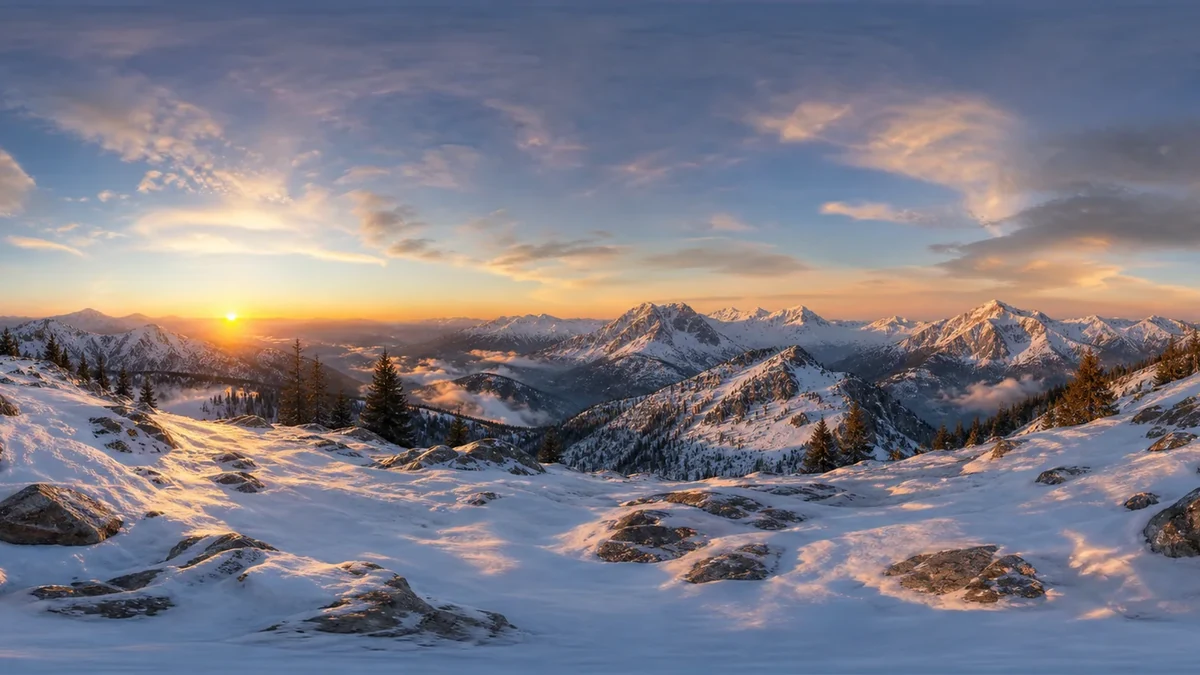
A surrounding mountain lake view with a bright horizon

Judge the complete interpretation

Look around the generated sphere to judge the new surroundings before choosing the opening view and downloading the image.

Return to completed edits

Save completed projects under your account to restore their reference context and editing settings while the source result remains available.

Image to 360 View AI FAQ

Skybox Generator

Try Image to 360 View AI

Choose your reference photos, describe the surrounding scene, and create a panorama you can explore in 360°.

Use Image to 360 View AI