Equirectangular to Cubemap Converter for Windows

Use the equirectangular to cubemap converter for Windows to turn a 2:1 panorama into six square faces. Choose face size, rotation, format, and naming, then download the set in one ZIP.

Loading tool…

From one panorama to six directional faces

The equirectangular to cubemap converter for Windows turns one surrounding image into six square views of the same scene, ready to assign to the directions in your cubemap setup.

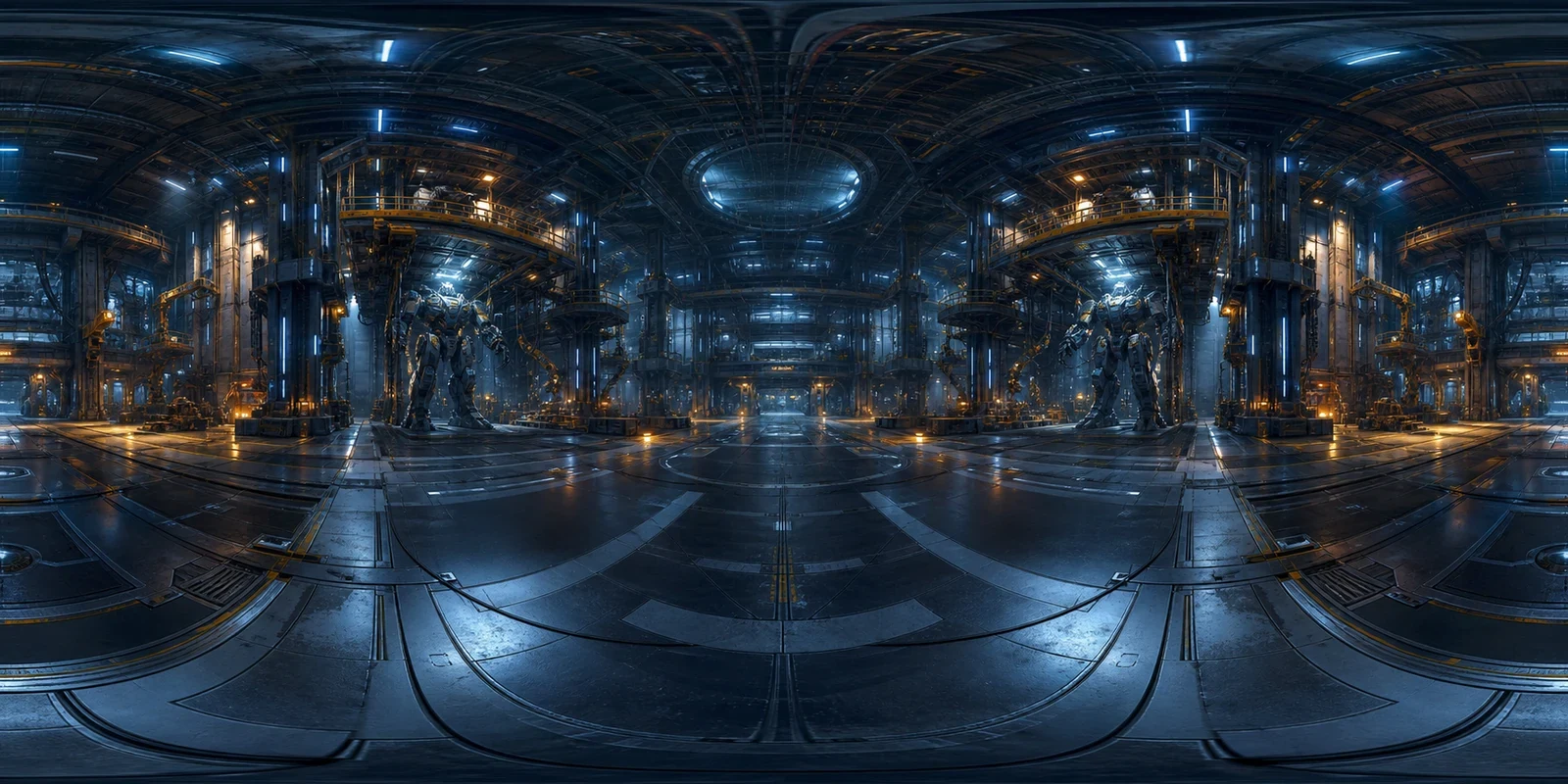
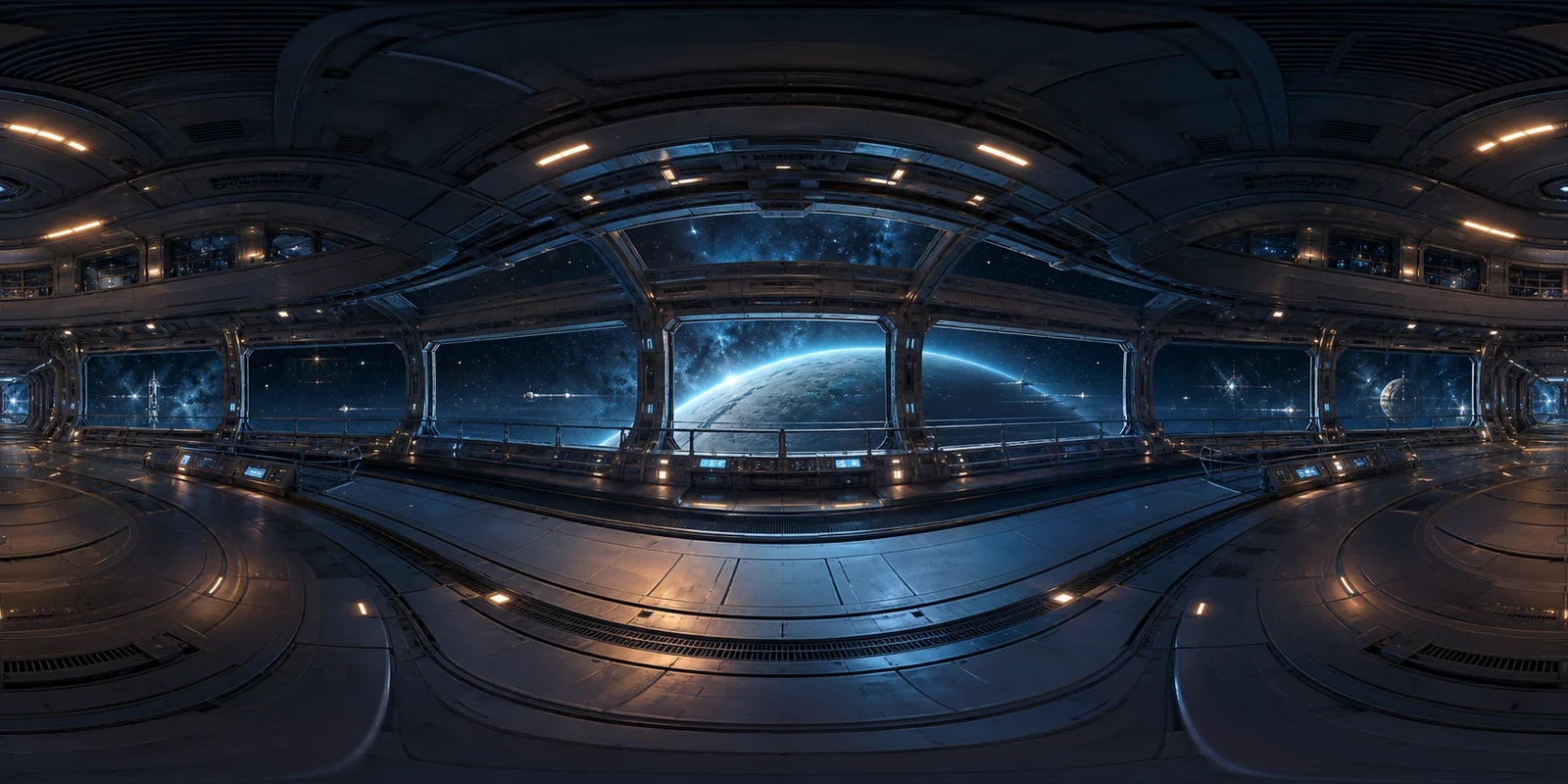
Equirectangular panorama
A flat equirectangular mecha hangar panorama
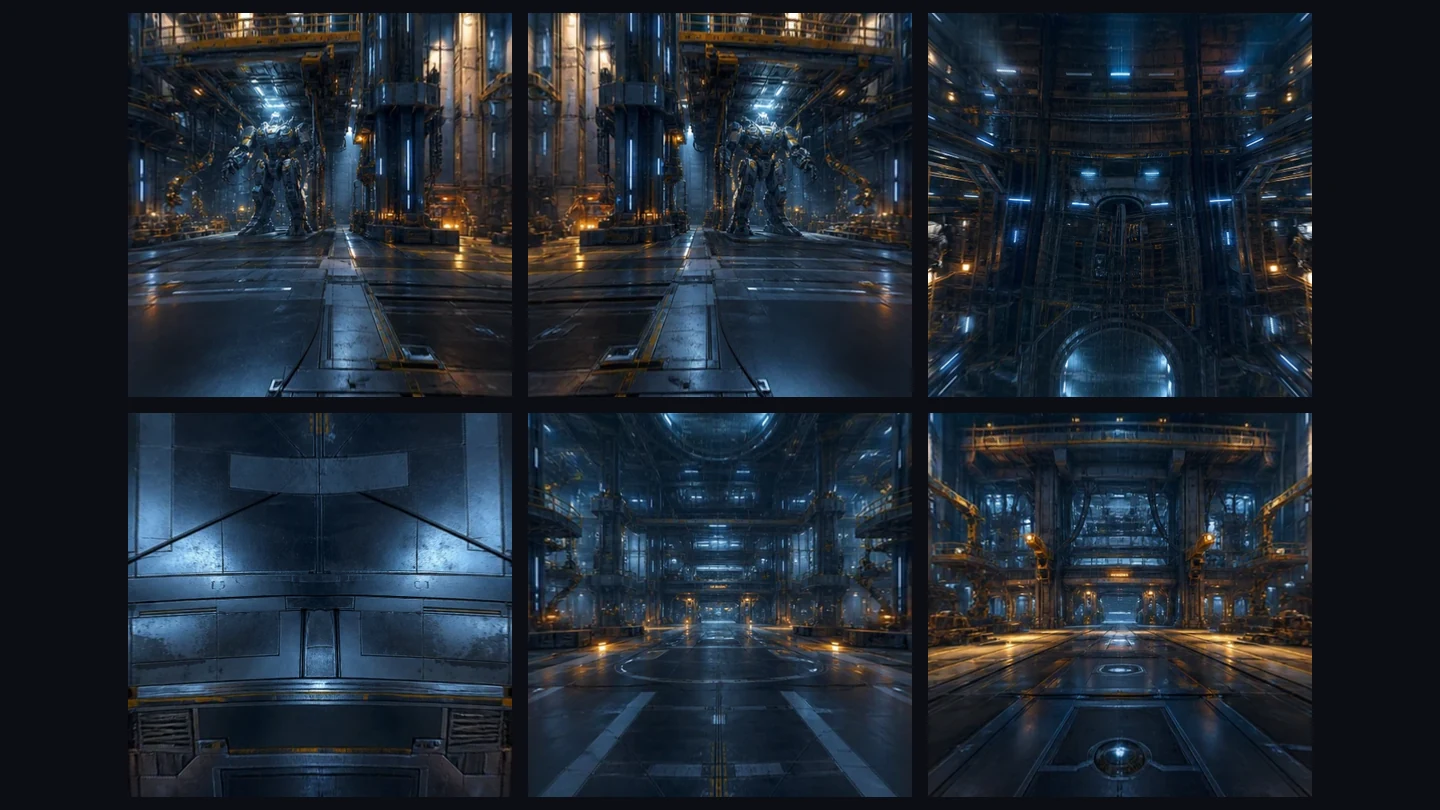
Six square cubemap faces
All six converted cubemap faces from the same mecha hangar

How to use the Equirectangular to Cubemap Converter for Windows

Equirectangular to Cubemap Converter for Windows

Open your panorama

Choose a complete 2:1 equirectangular image and inspect how the scene wraps around before converting.

Set the face options

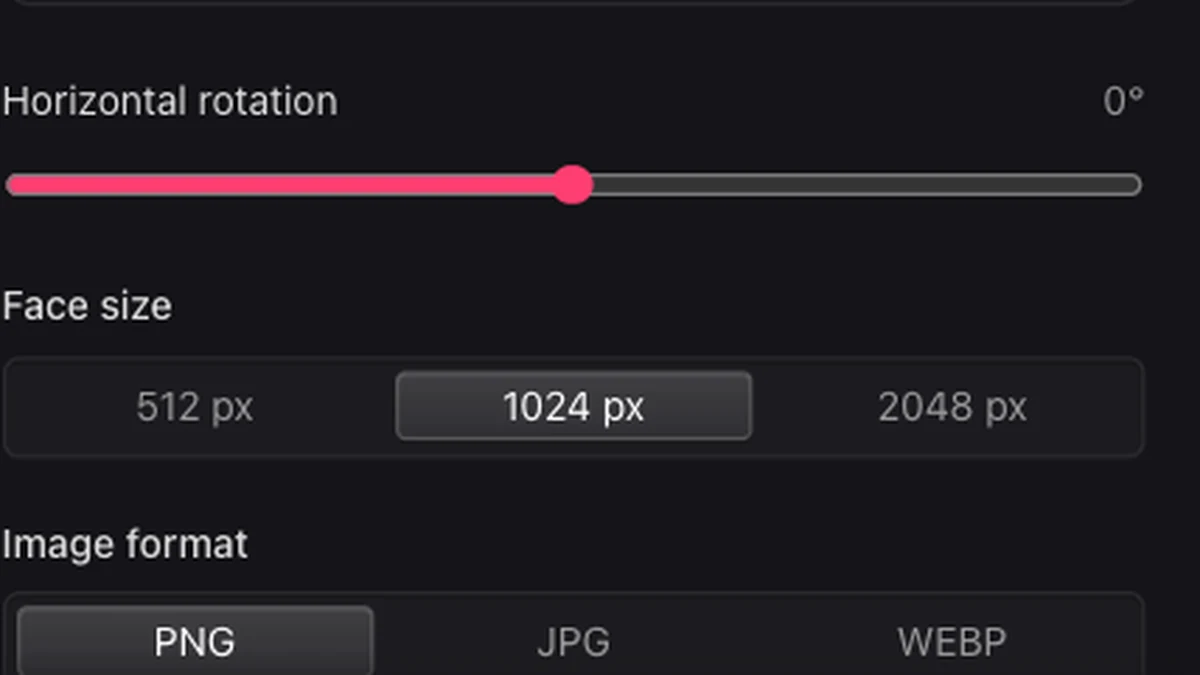
Set the face size, rotation, image format, and naming convention to match your destination’s import requirements.

Download the six faces

Download the ZIP, unpack the six images, and assign them in your destination’s cubemap setup.

Equirectangular to Cubemap Converter for Windows export options

Cubemap rotation, face size, and output format controls

Convert the scene you already have

Use a panorama from your camera, editor, or skybox workflow. The equirectangular to cubemap converter for Windows samples the scene in six directions to produce the separate views your cubemap setup needs.

Equirectangular to Cubemap Converter for Windows
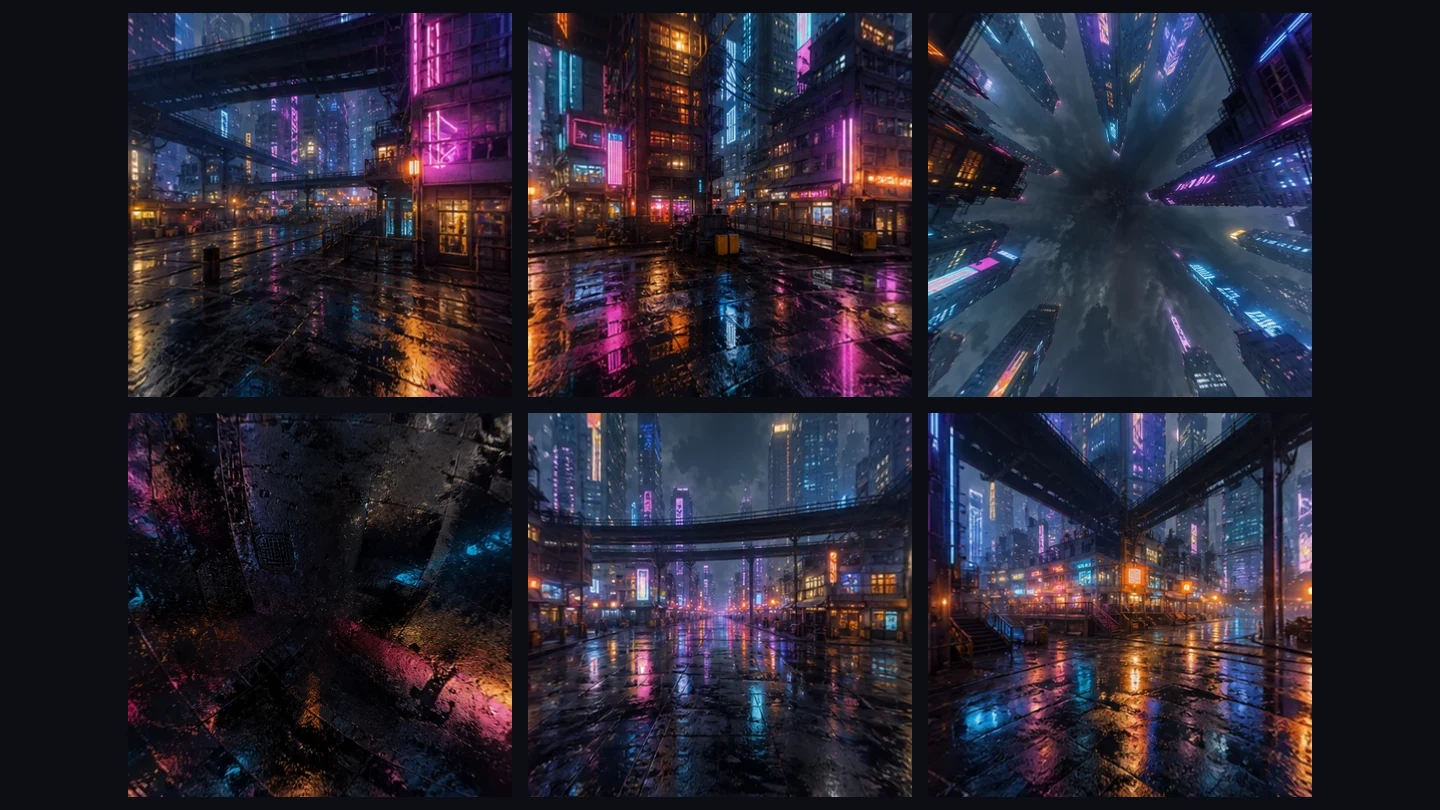
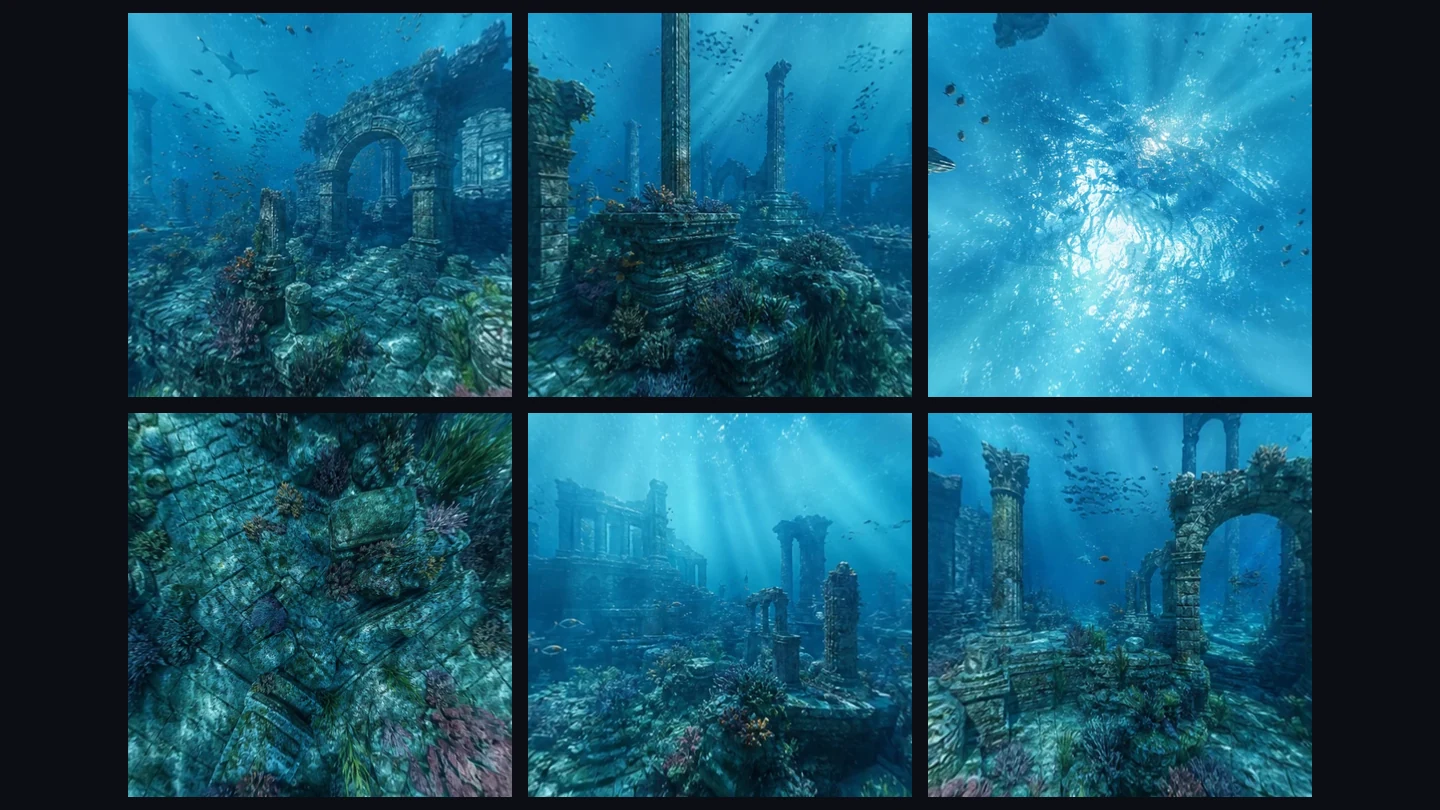
Six cubemap faces converted from a neon city panorama

Choose face size and format

The equirectangular to cubemap converter for Windows exports 512, 1024, or 2048 pixel square faces in PNG, JPEG, or WebP. Use smaller faces for previews and larger dimensions when the source has enough detail.

Equirectangular to Cubemap Converter for Windows

A simpler six-face handoff

Prepare six consistently named faces, inspect their orientation, and download the set for your destination workflow.

Skip the desktop installation

Open the converter in your Windows browser and work with the source file already on your device.

Size all six faces together

Set one square output size for the entire set instead of resizing each face individually after export.

A front facing cubemap view of a ruined desert environment

Choose the starting direction

Adjust panorama rotation before conversion to align the face set with the direction you want.

Keep the set together

Download all six directions in one ZIP, ready to unpack alongside the rest of your project assets.

Equirectangular to Cubemap Converter for Windows FAQ
Skybox Generator

Export your panorama as six faces

Choose the output settings and download the complete cubemap set.

Equirectangular to Cubemap Converter for Windows