Inspect before export
Inspect the complete image and choose where to edit or regenerate before integration.
About Skybox Generator
Create 360° environments and prepare existing panoramas for the next step, from spherical inspection to cubemap faces, metadata, and rotation clips.
Our story
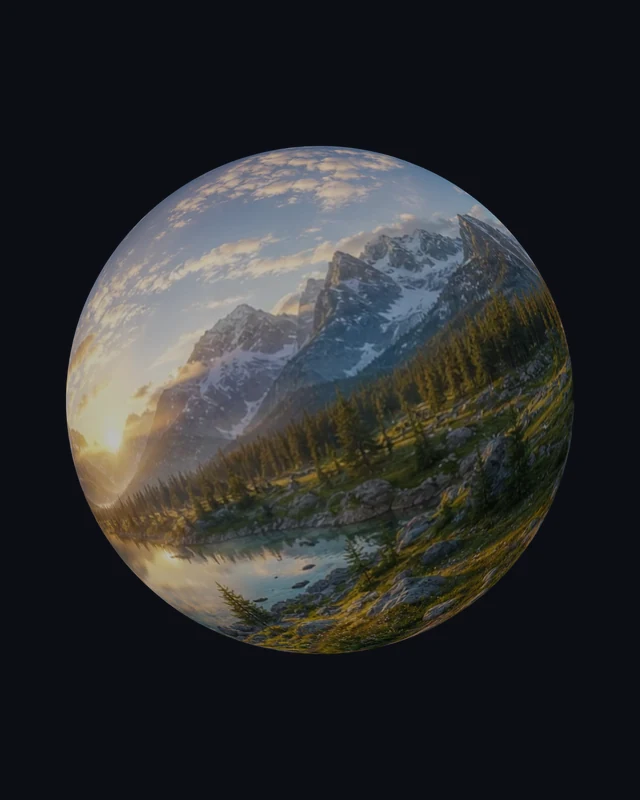
Panoramic work moves between different views and formats. A flat image can hide a wrap problem, an environment may need six separate faces, and a presentation may require a globe image or a rotating clip.
Skybox Generator brings those related jobs together. Generate an imagined environment from text or reference photos, then use focused viewers, converters, and export tools to prepare a useful visual asset.
Built for scene designers, visual creators, educators, and anyone working with panoramas. Local conversion files stay on your device.
What makes us different
Create a surrounding environment or prepare an existing panorama with focused tools for inspection, conversion, and export.
Describe an environment and generate a complete surrounding image, with optional references to guide the visual direction.
Use one to three photographs to suggest the setting, then inspect a generated interpretation of the surroundings.
Turn an existing panorama into a short rotating video, rendered on your device.
Choose the opening direction, adjust exposure, inspect the wrap, and export the version that fits your next step.
Prepare equirectangular PNG images, six cubemap faces, tagged panoramas, globe captures, and short rotation clips.
Move from source image to a useful export through tools that keep inspection and output choices close together.
Our mission
We help creators evaluate and prepare environments with clear inputs, direct previews, and useful exports. Generated images remain creative interpretations; local file tools preserve a separate, practical preparation workflow.
Inspect the complete image and choose where to edit or regenerate before integration.
Each tool prepares a concrete file, view, or export for a related visual task.
Keep related inspection, conversion, and export steps close together.
Your prompt and references guide the scene, while previews help you judge the result.
Describe a surrounding scene or open an existing panorama to inspect its projection and prepare the right export.
Have a question or an idea to share? support@skyboxgenerator.org