360 Image Generator

The 360 Image Generator turns a scene description into a complete panorama. Choose a visual style, explore the spherical preview, and adjust the image before downloading it.

Loading tool…

Turn a description into a view you can explore

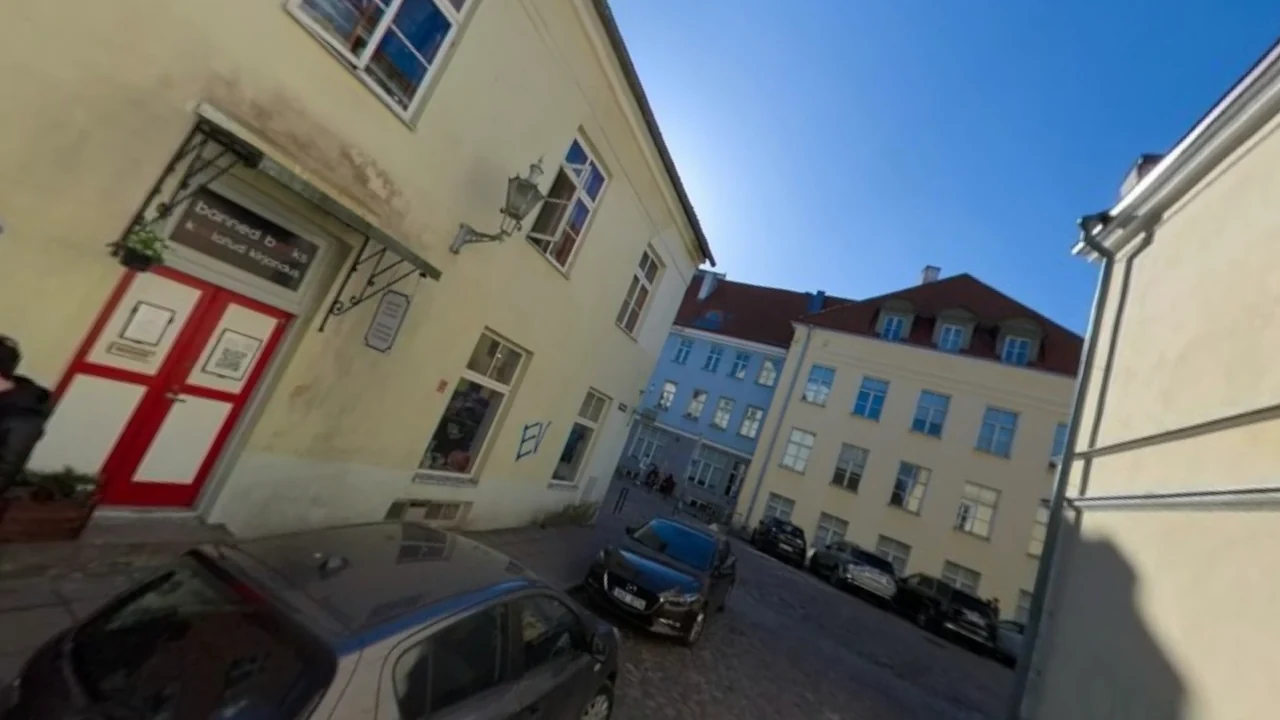
The 360 Image Generator turns a scene prompt into a panorama. Compare the two, then open the spherical preview to explore the scene.

Scene prompt
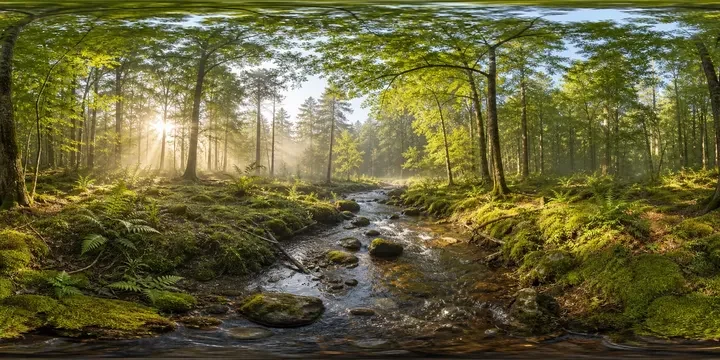
sunlit forest clearing with a stream
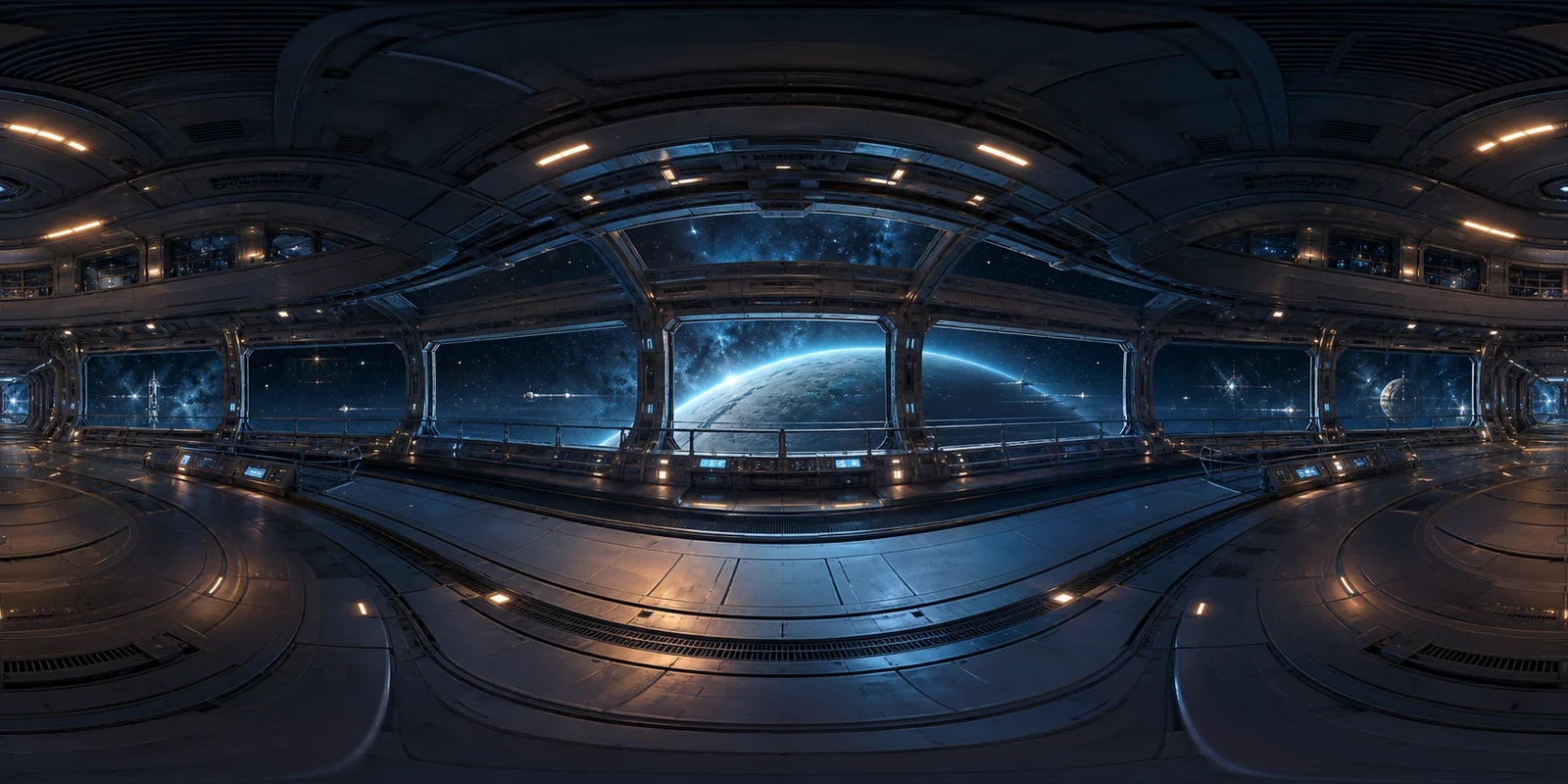
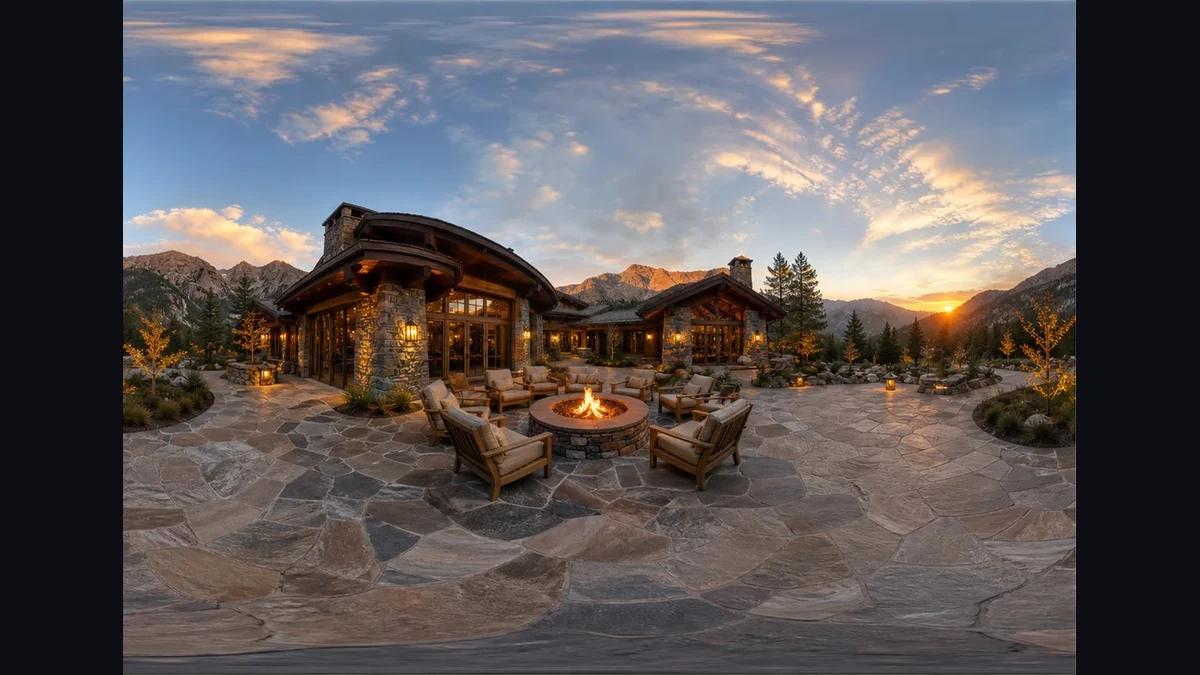
Equirectangular panorama
A spherical panorama of a sunlit forest clearing and stream

How the 360 Image Generator works

Use 360 Image Generator

Set the scene

Describe the location, atmosphere, and lighting. Include what should appear around and above the viewer, rather than only the forward view.

Choose and generate

Select Realistic, Cinematic, or Illustration and a resolution. Generate the panorama, then rotate the sphere to inspect the full scene.

Refine your download

Set the opening direction, exposure, and seam blending. Download your edited PNG, or save the completed project to return to those settings.

A panorama workflow from prompt to preview

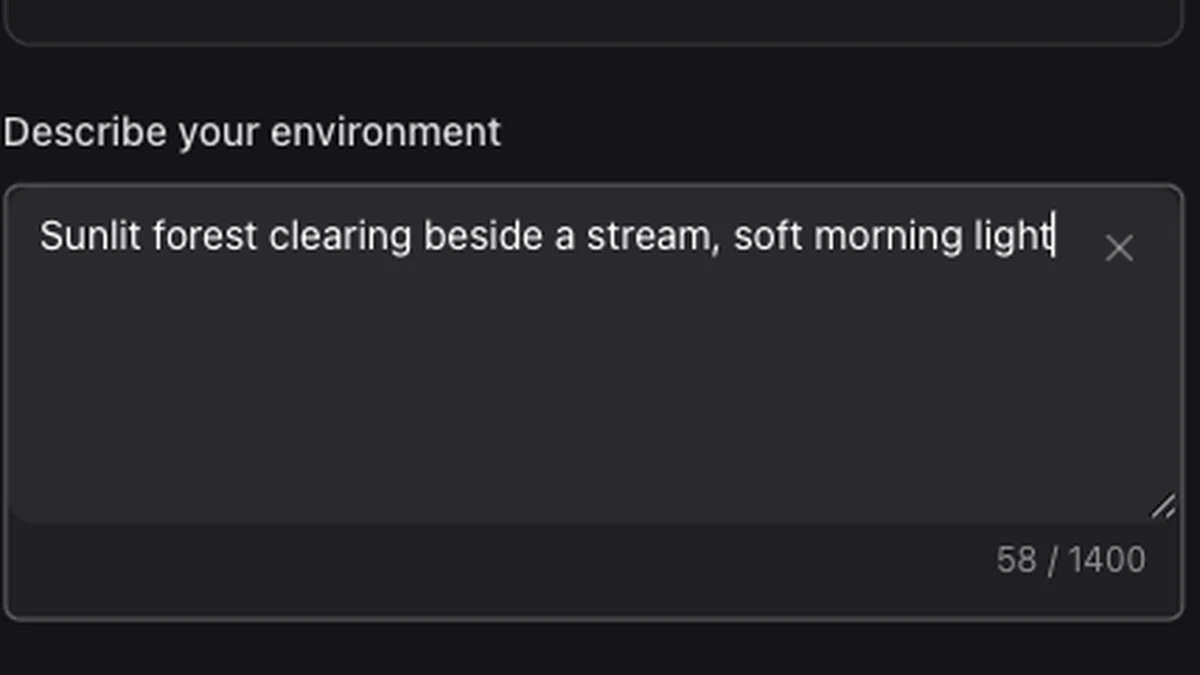
A scene description entered in the panorama prompt field

Give the surrounding world a direction

Create an interior, landscape, or imagined street from a scene description. Add optional reference photos when you want the colors, materials, or atmosphere to follow an existing visual direction.

Use 360 Image Generator
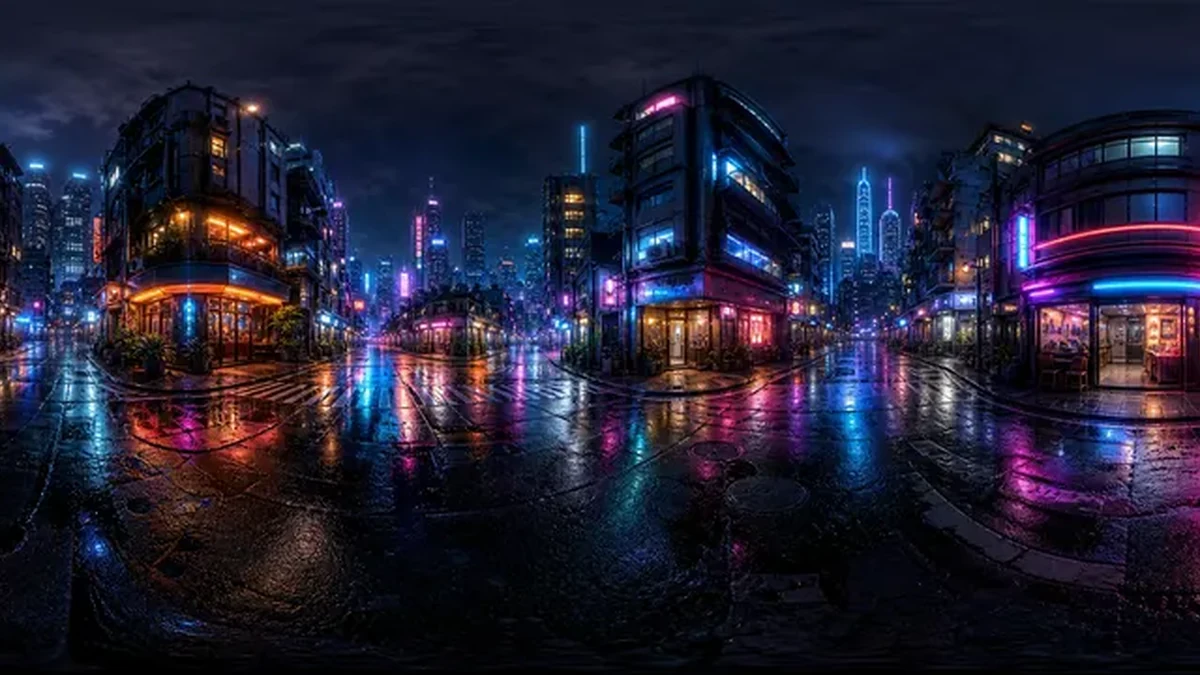
A neon city street panorama reflected in wet pavement

Judge the image in its intended view

Check your panorama in the spherical preview. Inspect the edge join and poles, then switch to the flat image to locate details across the complete scene.

Use 360 Image Generator
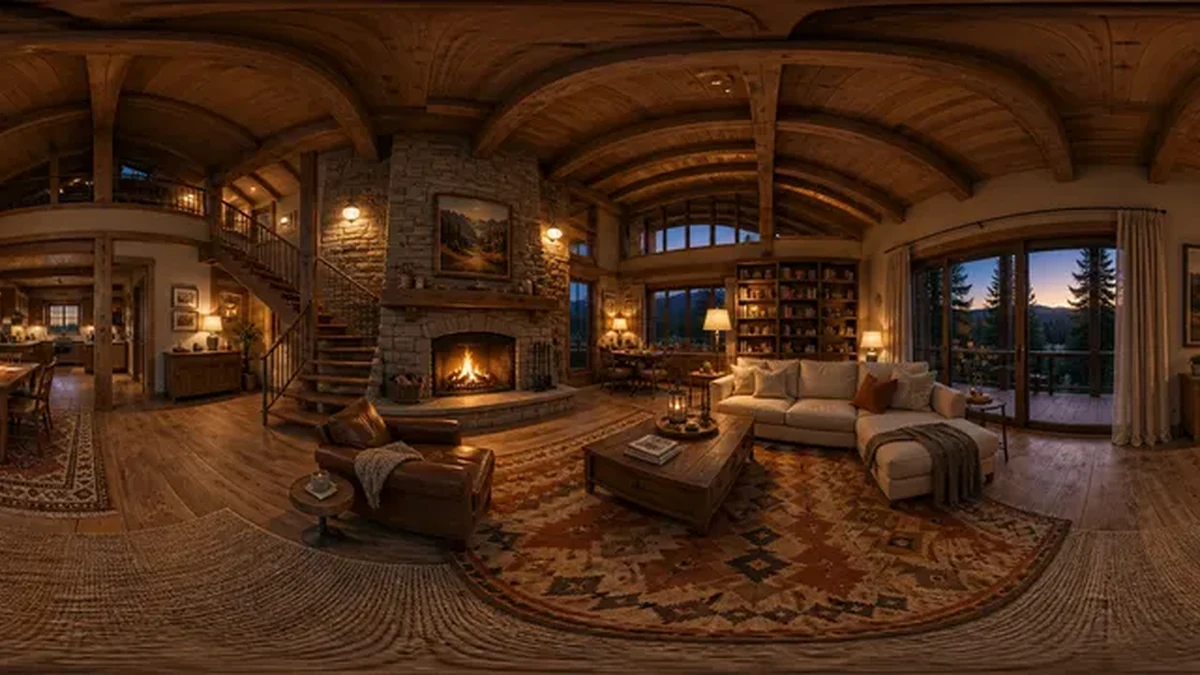
A warm wooden cabin interior arranged as a surrounding panorama

Keep presentation edits with the result

Save a completed project to revisit its source and presentation settings while the result remains available. You can also open the downloaded PNG in the 360 Viewer to inspect the exported file.

Use 360 Image Generator

Make the whole scene part of your decision

Use the 360 Image Generator to explore an imagined place from every direction, then prepare a panorama for an image, game, or presentation workflow.

Start with words or references

Begin with a description, or add up to three photos to guide the palette, materials, and atmosphere of your scene.

Choose a fitting visual language

Try Realistic, Cinematic, or Illustration to explore different looks while keeping the setting and main scene idea consistent.

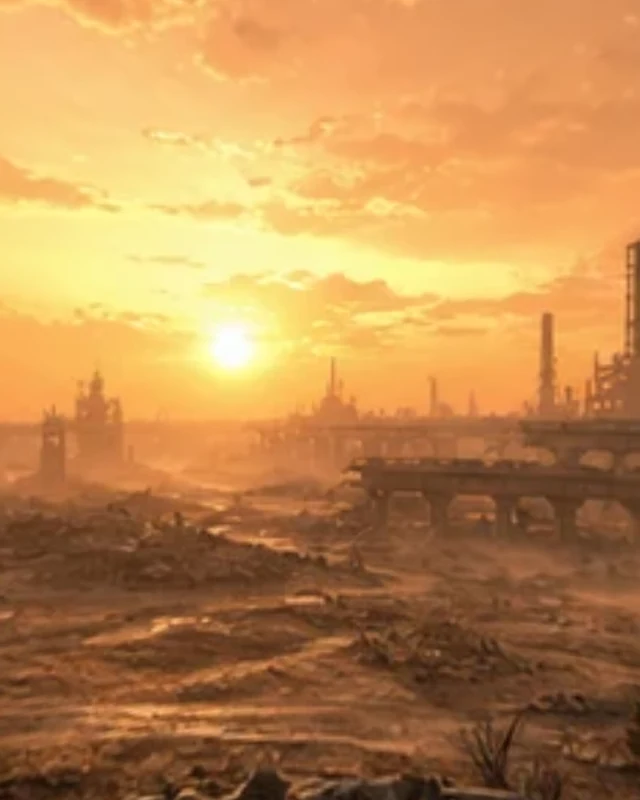
A perspective view of desert ruins under a warm sunset sky

Inspect the source boundary

Look behind the starting view and check the poles. Use seam blending to soften the source image’s edge join.

Continue with a usable image

Download a PNG, then use the related tools to prepare cubemap faces, projection metadata, or a rotating video clip.

360 Image Generator FAQ

Skybox Generator

Create with the 360 Image Generator

Describe a place, explore every direction, and download your finished panorama.

Use 360 Image Generator