
360 Metadata Injector

Use the 360 Metadata Injector to add GPano tags so compatible viewers can recognize your panorama as a spherical image. Choose a local JPEG, PNG, or WebP and download the tagged copy.

Loading tool…

Same panorama, added projection tags

The tagged file keeps the beach scene intact and adds the projection information a compatible viewer uses to display it as a sphere.

Source panorama
The beach panorama before GPano metadata is added
Tagged panorama
The same beach scene in a JPEG containing GPano projection metadata

How to use the 360 Metadata Injector

Open 360 Metadata Injector

Choose a complete panorama

Choose a complete 2:1 JPEG, PNG, or WebP panorama. The tool checks its dimensions.

Write projection metadata

Add GPano tags describing the image’s equirectangular projection and dimensions while keeping the picture data intact.

Download and check

Download the tagged file, then open it in the viewer where you plan to use it.

Prepare panoramas with the 360 Metadata Injector

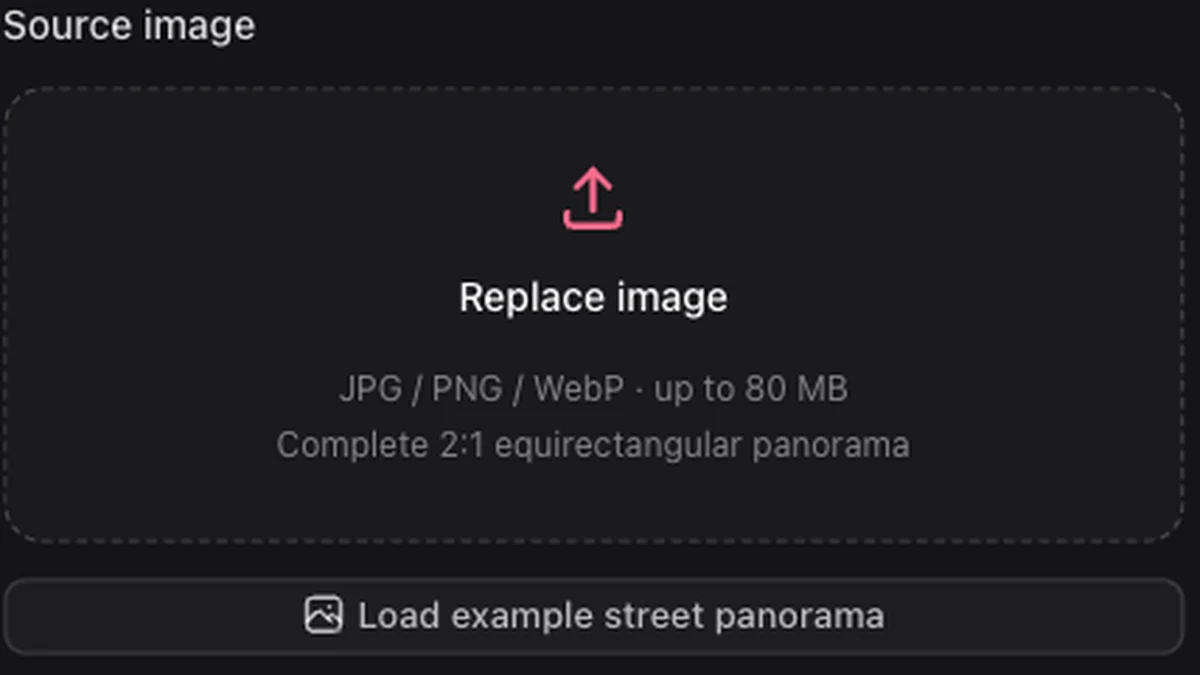
The local source image picker for adding panorama metadata

Tell viewers how to read the image

A panorama with missing projection tags may open as an ordinary wide photo. The 360 Metadata Injector identifies its equirectangular layout through GPano metadata so compatible apps can recognize the spherical view.

Open 360 Metadata Injector


A snowy alpine equirectangular environment ready for a compatible panorama viewer

Keep the original picture data

The 360 Metadata Injector writes metadata without decoding and recompressing the picture. You receive a separate tagged copy with the same compressed image payload as your source.

Open 360 Metadata Injector
A mountain lake panorama whose projection can be described with GPano metadata

Check the scene before sharing

Inspect the panorama in the 360 Viewer, then use the 360 Metadata Injector on the finished image. Test the downloaded copy in its destination to confirm that the app reads the format and tags.

Open 360 Metadata Injector

Finish a complete panorama

Add projection tags to your panorama, download the tagged file, and check how your target application displays it.

Use your existing panorama

Start with the completed panorama from your camera, editor, or generation workflow, ready for spherical viewing.

Avoid another compression step

Preserve the picture data while adding projection information, with no need to recompress the panorama just to label it.

A perspective view inside an imagined alien panorama

Keep your source file

Download a separate tagged copy to test in your viewer, leaving the original available for future edits.

Work locally for free

Add tags in your browser without uploading the file, signing in, or spending generation credits.

360 Metadata Injector FAQ

Skybox Generator

Tag a panorama with the 360 Metadata Injector

Choose your finished image and download a tagged copy for your viewer.

Open 360 Metadata Injector