Panoramic View as Video

Show a panoramic view as video with one complete rotation. Choose the clip length and resolution, then download a file your audience can watch without navigating a sphere.

Loading tool…

From a still panorama to a complete rotation

Showing a panoramic view as video reveals the directions hidden in a flat thumbnail. Watch the camera rotate through the same street scene from start to finish.

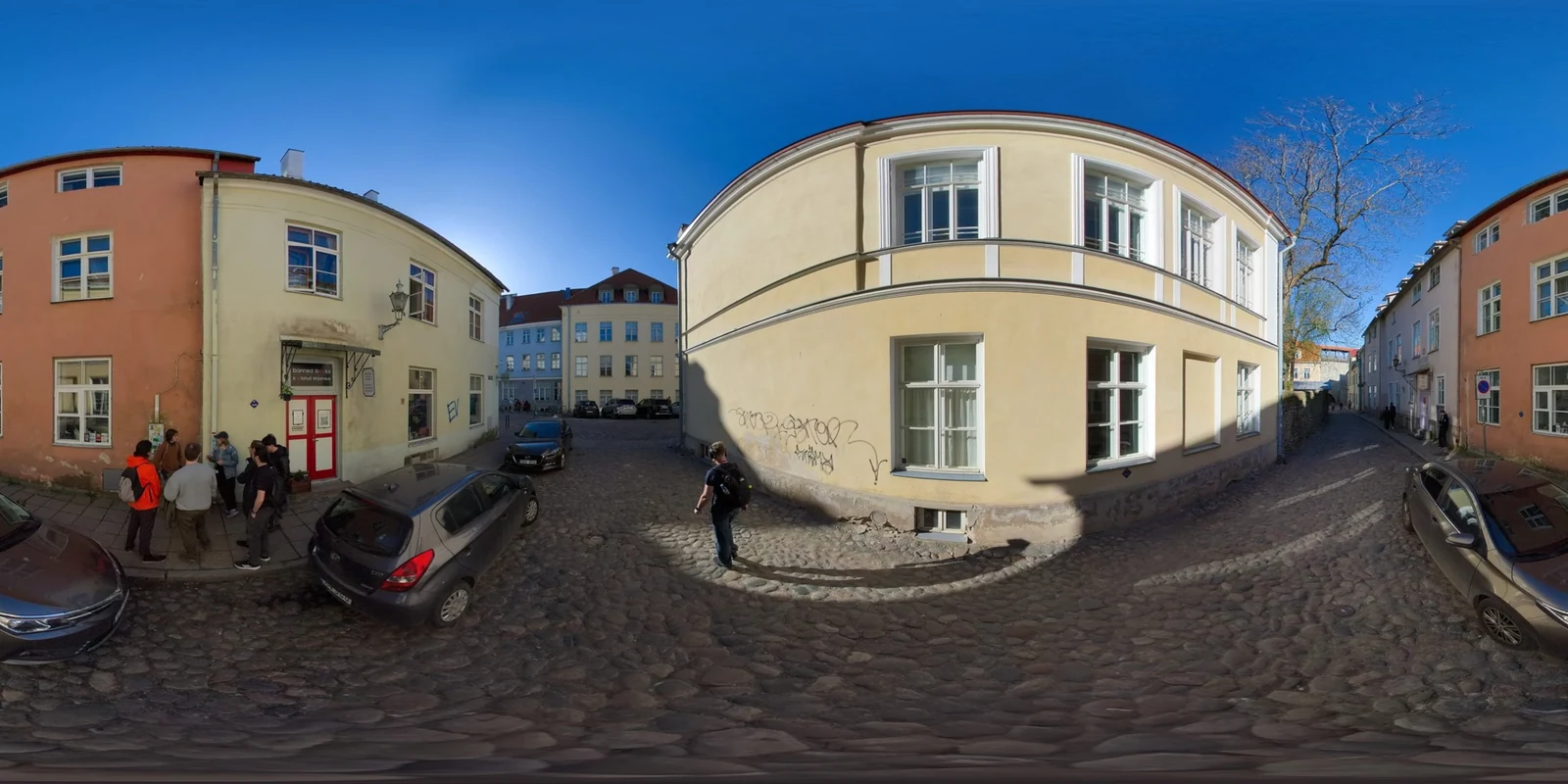
Still equirectangular panorama
The flat equirectangular street panorama used for the recorded rotation
Recorded rotating view

How to show a panoramic view as video

Create a panoramic view as video

Open your panorama

Choose a complete 2:1 equirectangular image and inspect the scene that the rotation will reveal.

Choose the pace and size

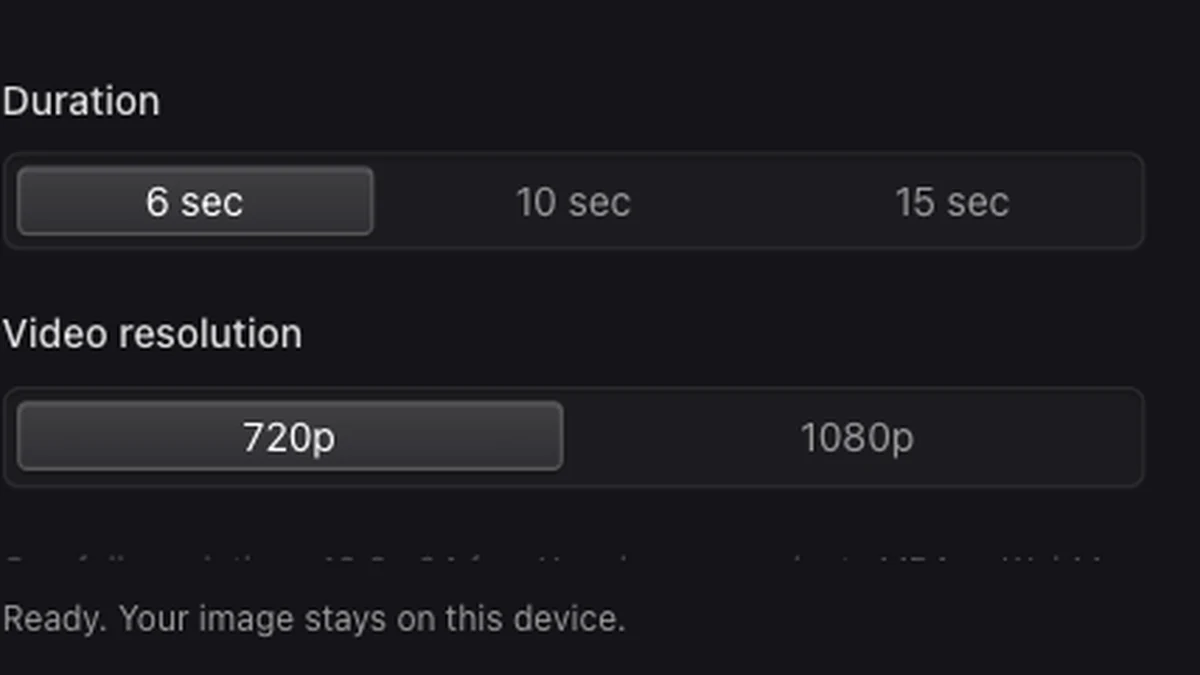
Set a 6, 10, or 15 second rotation and choose either 720p or 1080p for the clip.

Record and download

Record the full turn, play the finished clip to check its motion, and download the result.

Show the scene from every direction

Panorama rotation duration and video resolution controls

Take viewers beyond the first angle

A panoramic view as video carries the audience through the surrounding scene without asking them to drag a viewer. Use it to show landmarks or details that fall outside a single screenshot.

Create a panoramic view as video
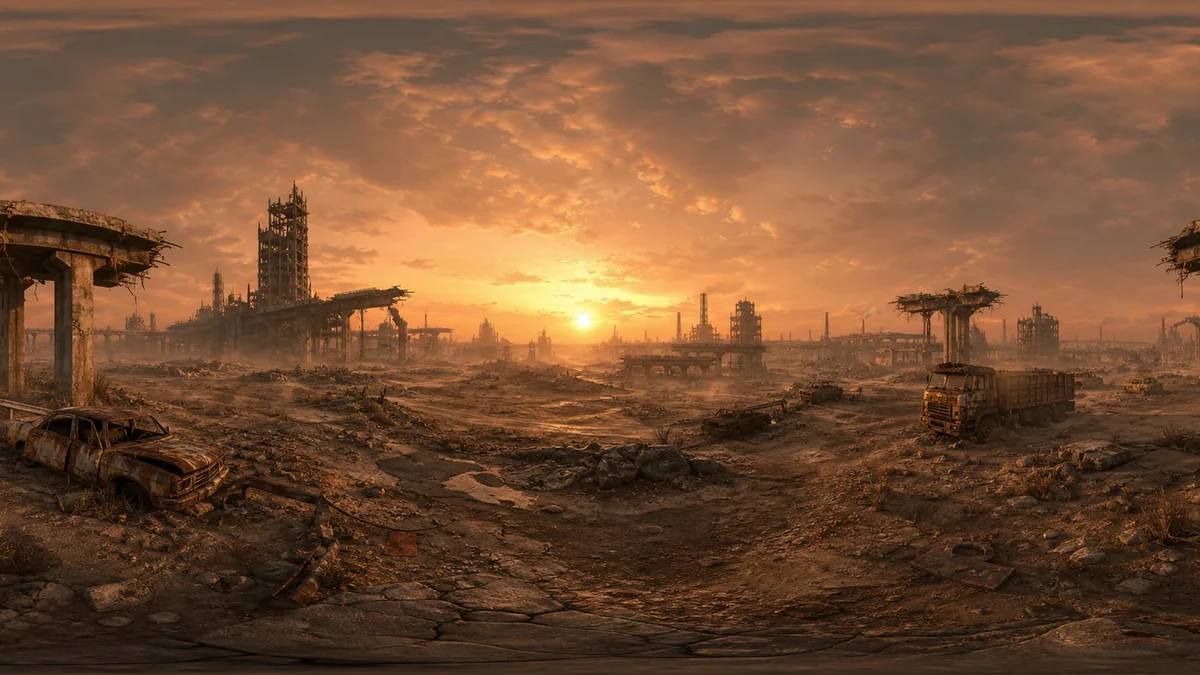
A ruined desert environment arranged as a surrounding panorama

Set the pace of the tour

Create a panoramic view as video in six seconds for a brisk overview, or ten or fifteen seconds for more time at each angle. Select 720p or 1080p to suit the detail you need.

Create a panoramic view as video
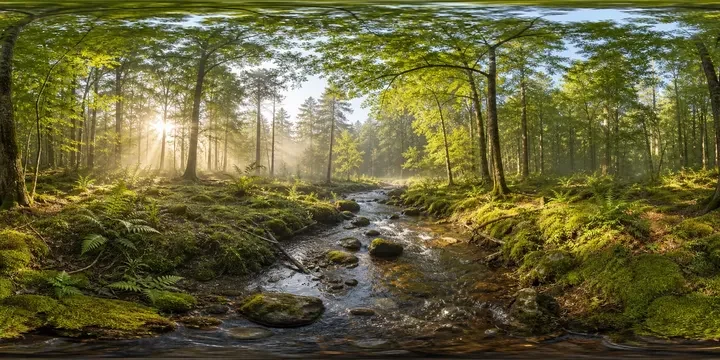
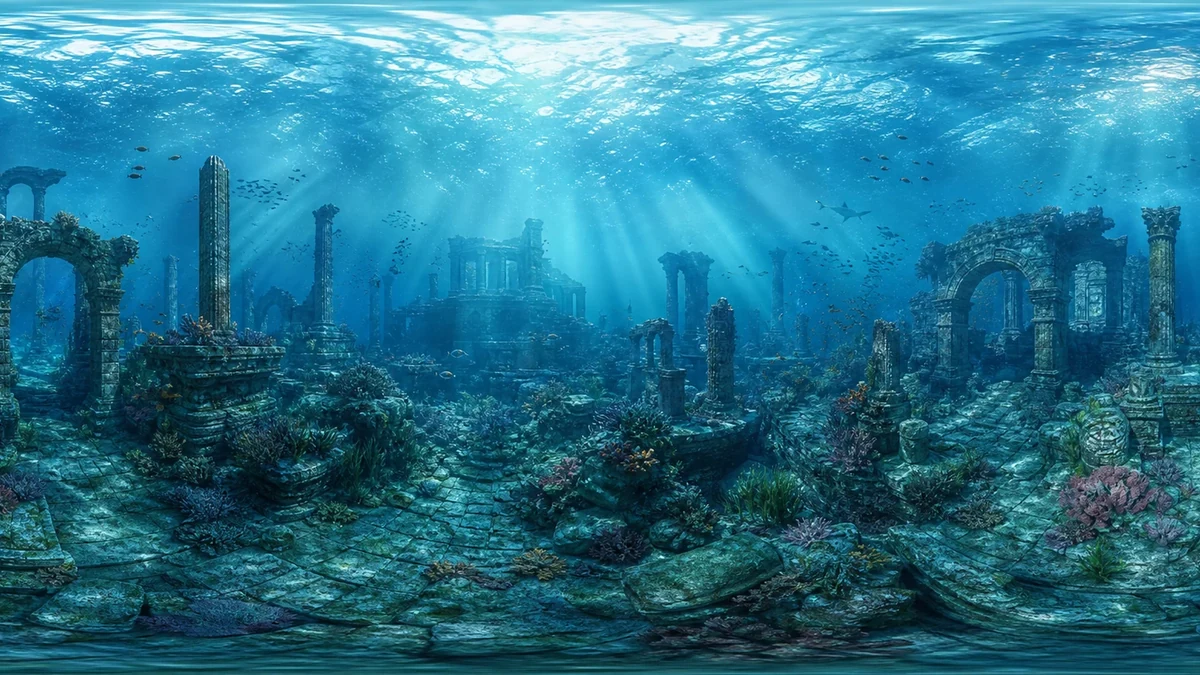
An underwater ruins panorama suitable for a rotating presentation

Preview the clip before sharing

Play your panoramic view as video on the page to review motion and framing before downloading. Keep the original panorama available for interactive viewing in the 360 Viewer.

Create a panoramic view as video

A moving presentation from one image

Use a panoramic view as video to guide viewers around the setting in a sequence they can watch from beginning to end.

Start with your existing scene

Use a finished panorama from your camera, editor, or generation workflow as the source for your clip.

Control the viewing time

Set how long the full rotation takes to match the pace of your presentation or scene overview.

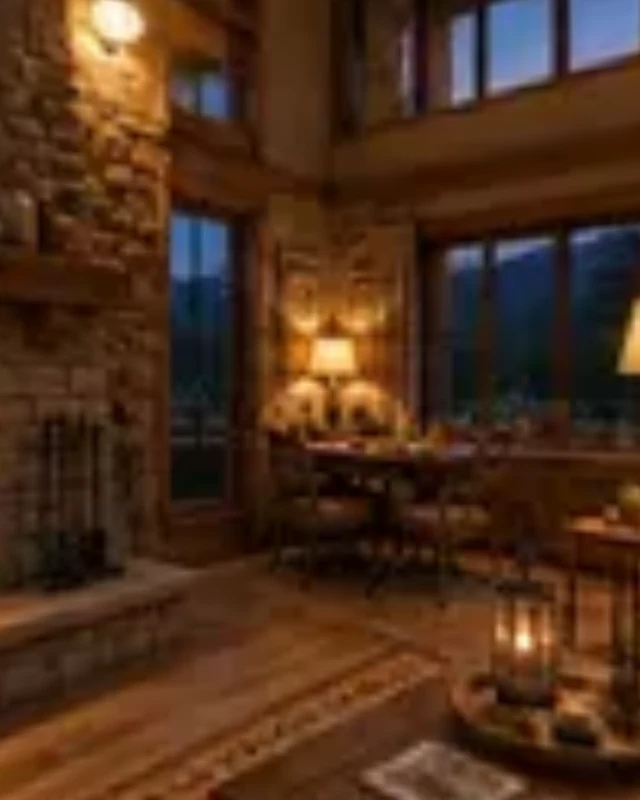
A perspective view inside a warm cabin panorama

Review the actual export

Watch the completed clip on the page before taking it into an editor or slide deck.

Cancel when you need to

Stop an active recording, adjust the duration or resolution, and start again when you are ready.

Panoramic View as Video FAQ

Skybox Generator

Create a panoramic view as video

Set the pace, record one full turn, and download the video.

Create a panoramic view as video